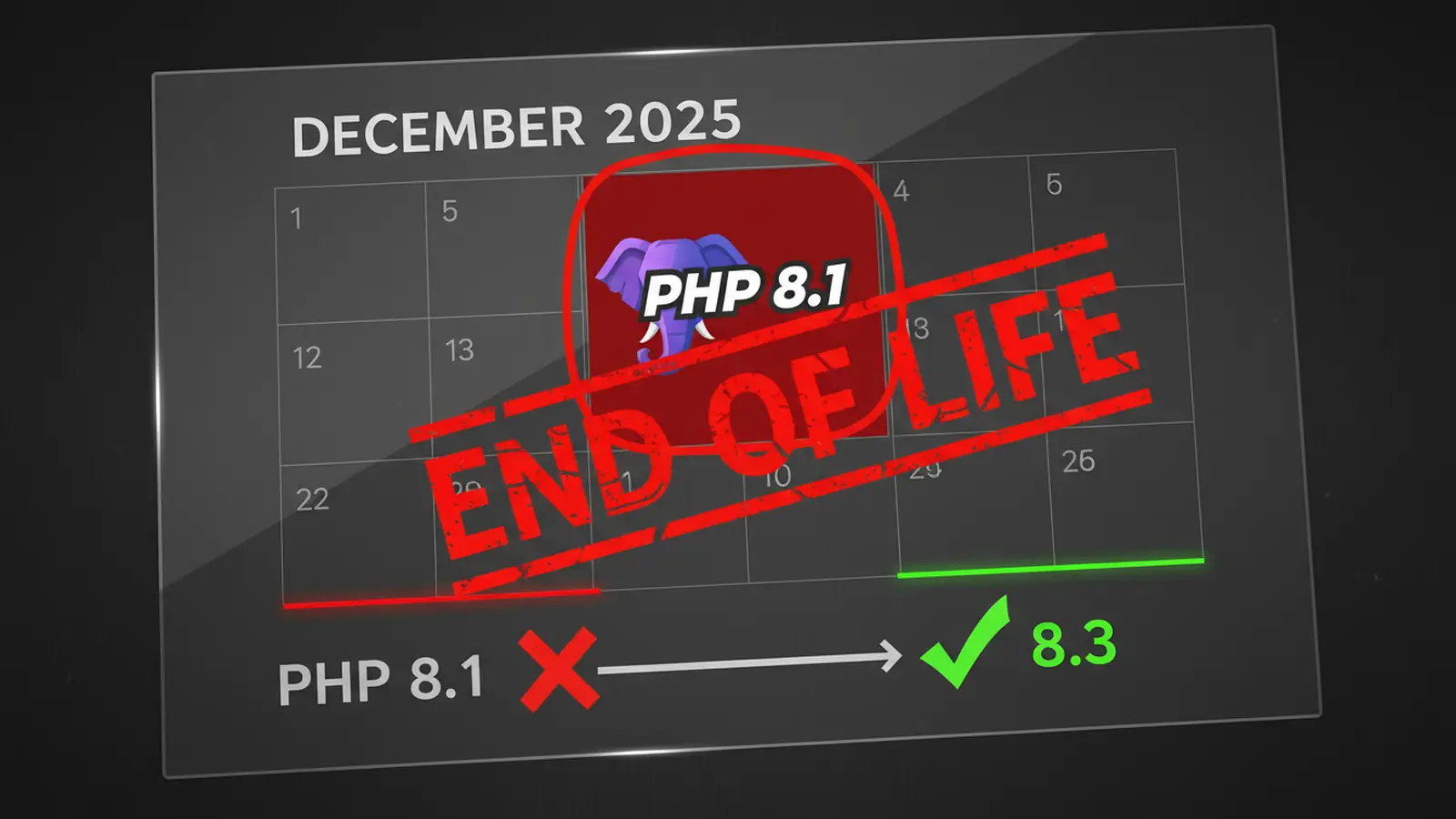
Update (22 April 2026): PHP 8.1 reached end-of-life nearly four months ago. WP Cloud, Pagely, WordPress VIP, and other managed platforms force-migrated remaining sites in the first weeks of January, and reports of failed functions, broken admin panels, and crashed WooCommerce storefronts filled the support channels for two weeks afterward. The bigger story is who's still exposed. According to tracking published in early April, roughly 55% of the top one million PHP sites are still running an end-of-life version of PHP. Attackers scan for server fingerprints and HTTP headers that reveal EOL PHP, then probe for unpatched exploits. If you haven't upgraded yet, you are in a bigger hurry now than you were in December.
PHP 8.1 reached end-of-life on 31 December 2025. After that date, no security patches get released. None. Any vulnerability discovered in PHP 8.1 from January 2026 onwards stays permanently unpatched, and attackers know it.
This wasn't a "sometime in the future" problem, and the problem hasn't aged out. Major hosting platforms forced automatic upgrades on the deadline. WP Cloud migrated all remaining PHP 8.1 sites to 8.4. Pagely completed their migrations in November 2025. WordPress VIP removed 8.1 entirely in early December. The host-driven upgrades broke a lot of sites briefly, but they also dragged millions of sites out of exposure overnight. The sites still running 8.1 today are the ones whose hosts didn't intervene, and those sites are where the risk concentrates.
If you're still running PHP 8.1 in April 2026, you've got a decision to make. Here's what you need to know.
The Scale of the Problem
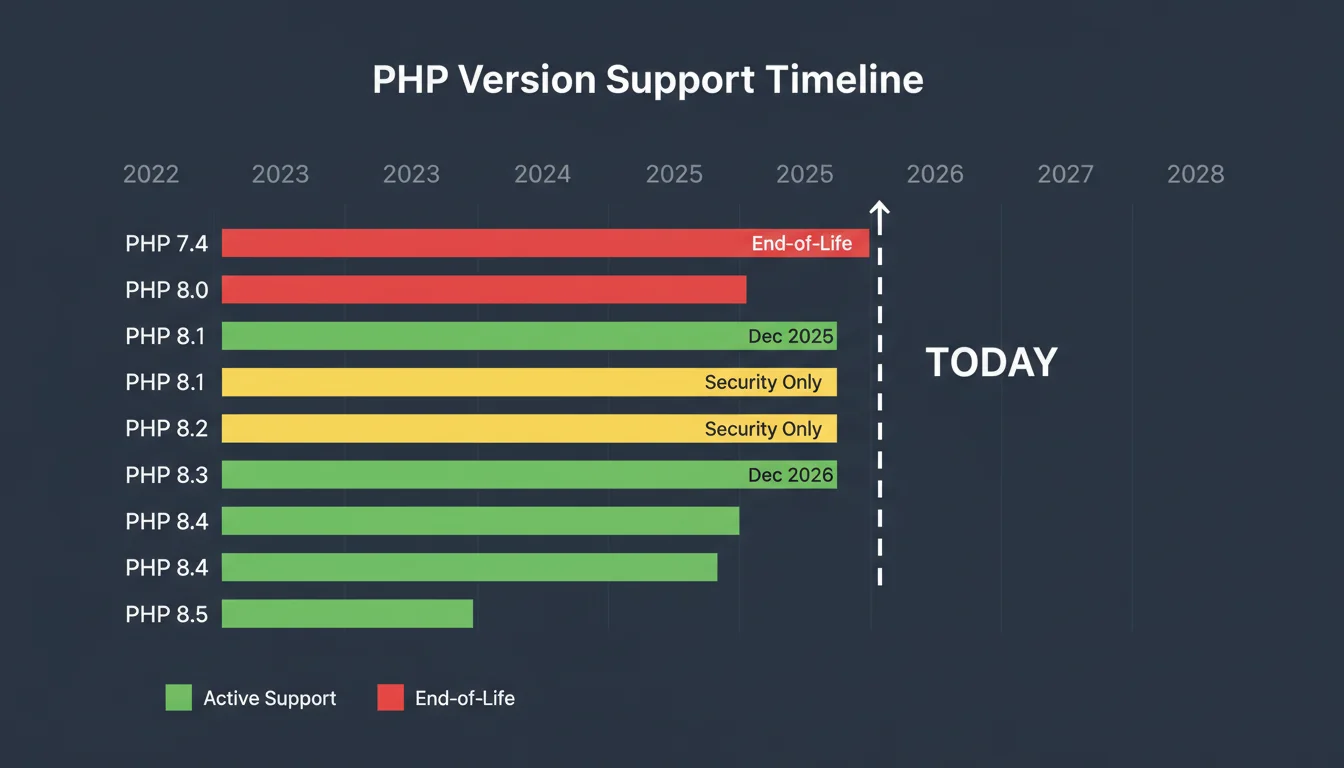
According to WordPress.org's own statistics, 16.13% of WordPress sites were still running PHP 8.1 at the time of this article. That's millions of sites about to lose security coverage overnight.
But it gets worse. A full 42.91% of WordPress sites were still running PHP 7.4, which reached end-of-life back in November 2022. That means nearly 60% of WordPress installations are running PHP versions with known, unpatched vulnerabilities. Only 1.11% had upgraded to PHP 8.3.
| PHP Version | WordPress Usage | EOL Status |
|---|---|---|
| PHP 7.4 | 42.91% | EOL since Nov 2022 |
| PHP 8.0 | 12.43% | EOL since Nov 2023 |
| PHP 8.1 | 16.13% | EOL 31 Dec 2025 |
| PHP 8.2 | 22.68% | Security fixes until Dec 2026 |
| PHP 8.3 | 1.11% | Active support until Dec 2027 |
What Has Happened Since 31 December
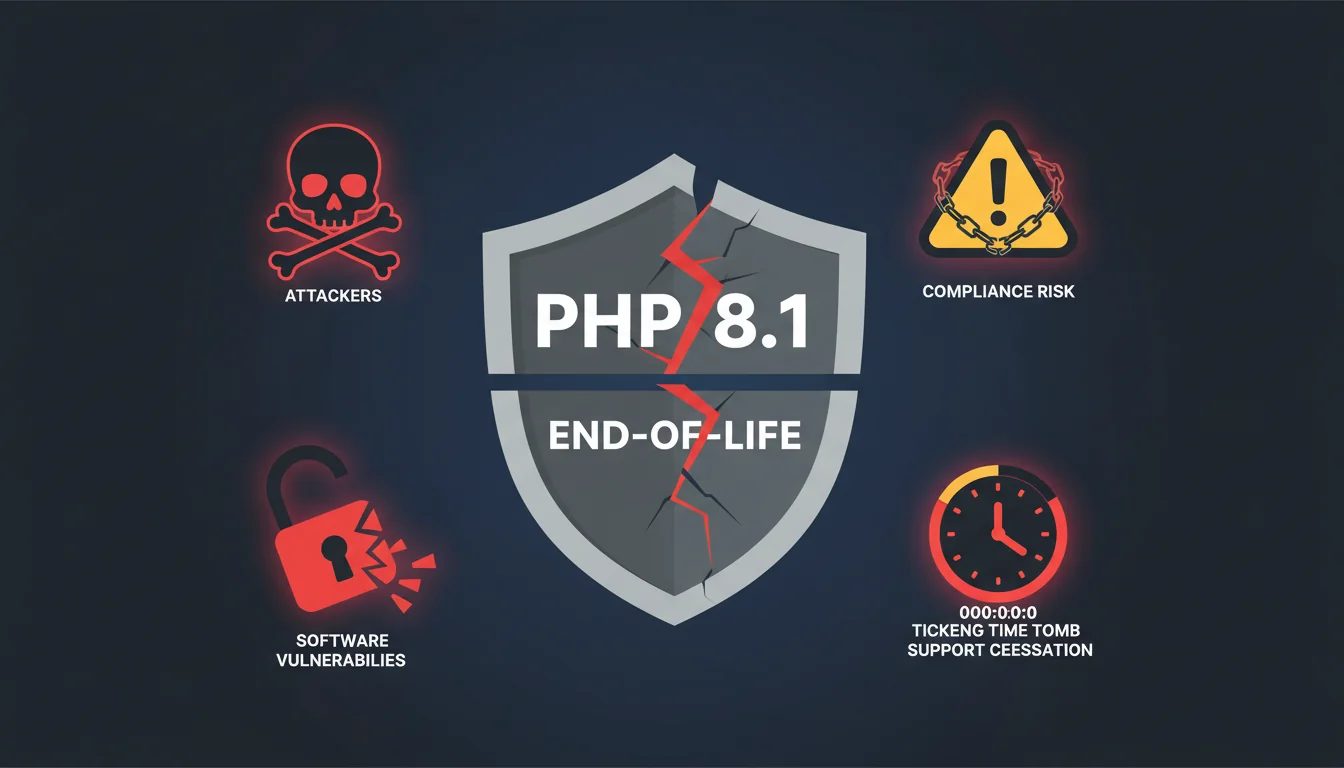
When a PHP version reaches end-of-life, the PHP development team stops releasing patches. Four months on, this plays out in predictable ways:
- No security fixes. Any new vulnerability discovered in PHP 8.1 stays open permanently. Security researchers often wait for EOL dates to publish findings, knowing fixes won't arrive.
- Compliance risks. PCI DSS requires "system components are protected from known vulnerabilities by installing applicable vendor-supplied security patches." Running EOL software is a compliance failure. Our WordPress security and GDPR checklist covers these requirements in detail.
- Insurance implications. Cyber insurance policies increasingly require current, supported software. An EOL PHP version could invalidate your claim if a breach occurs.
- Hosting compatibility. Hosting providers drop support for EOL versions. Your control panel options shrink. Eventually, forced upgrades happen whether you're ready or not.
"When a PHP version reaches end of life, the PHP Group will no longer provide any support for it. Any new vulnerability discovered after that date will remain permanently unpatched."
PHP.net, Supported Versions
That's not marketing speak. It's the official position from the people who write PHP. When they say "permanently unpatched," they mean it. I've seen sites running PHP 5.6 still compromised years after EOL through vulnerabilities that will never be fixed. The same thing will happen with 8.1.
WordPress Compatibility by PHP Version
The good news: WordPress itself handles newer PHP versions well. If your WordPress hosting runs the latest WordPress core, upgrading PHP shouldn't break anything in core. The problems come from plugins and themes.
| WordPress Version | PHP Support |
|---|---|
| WordPress 6.3+ | PHP 8.0, 8.1 |
| WordPress 6.6+ | PHP 8.2 |
| WordPress 6.8+ | PHP 8.3 |
| WordPress 6.9+ | PHP 8.5 |
Plugins are the real risk. Older plugins that haven't been updated for PHP 8.2+ may throw deprecation warnings or outright fatal errors. WooCommerce 10.4.2 patched several PHP 8.4 compatibility issues, and it's one of the most actively maintained plugins in the ecosystem. Smaller plugins with a single developer get far less attention.
The Performance Case for Upgrading
Security alone justifies the upgrade, but the performance gains are substantial too. Benchmarks on identical hardware show:
| PHP Version | Requests/Second | vs PHP 8.1 |
|---|---|---|
| PHP 7.4 | ~85 req/s | -37% |
| PHP 8.1 | ~135 req/s | baseline |
| PHP 8.3 | ~146 req/s | +8% |
| PHP 8.4/8.5 | ~148 req/s | +10% |
A 10% throughput increase means your server handles more concurrent visitors on the same hardware. For WooCommerce stores during peak traffic, that's the difference between fast checkouts and lost sales. We covered the full PHP 8.5 + WordPress 6.9 benchmark results in a separate article.
The Two-Week Testing Plan
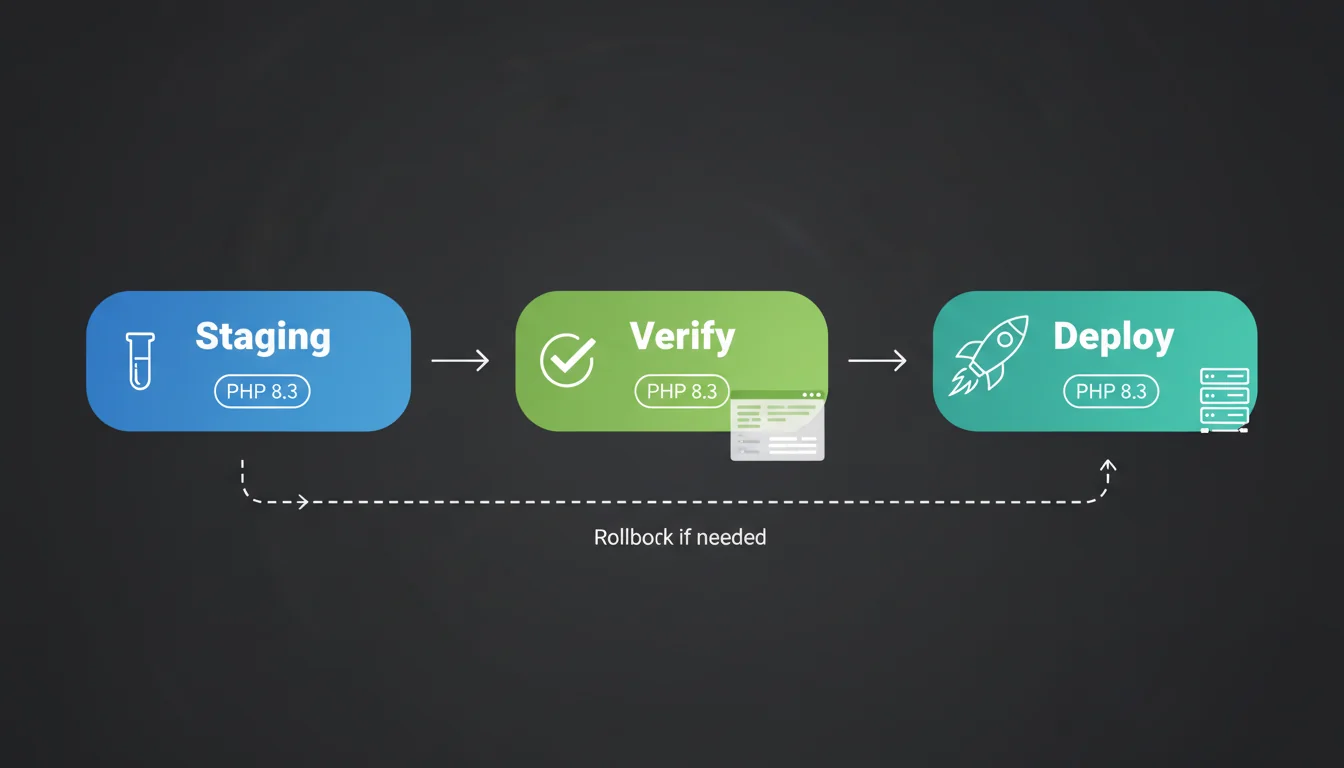
If you're upgrading from PHP 8.1 to 8.3 (the recommended target), here's a realistic timeline:
Week 1: Test on Staging
- Create a full staging copy of your production site (files, database, uploads)
- Switch the staging site to PHP 8.3 via your hosting control panel
- Test every critical function: checkout, contact forms, login, search, caching
- Check error logs for deprecation warnings (these won't break anything yet but indicate future issues)
- Update any plugins that throw errors on the new PHP version
Week 2: Go Live
- Full backup of production (database + files). Don't skip this.
- Schedule the upgrade during low-traffic hours (Tuesday or Wednesday morning for most UK businesses)
- Switch production to PHP 8.3
- Monitor for 24 hours: check error logs, run the same critical function tests, watch Core Web Vitals for regressions
What About Extended Support?
Zend (the company behind the PHP engine) offers commercial extended support for PHP 8.1 through December 2027. It costs roughly £25/month per site and provides continued security patches for the EOL version.
For most WordPress sites, this doesn't make sense. You're paying £300/year to stay on older, slower software. That money would be better spent on an hour of developer time to test and upgrade. Extended support is designed for enterprise applications with complex, untestable codebases. A WordPress site with 15 plugins isn't that.
The exception: if you're running custom PHP applications alongside WordPress that can't be easily tested, extended support buys time. But it's a temporary bridge, not a destination.
If Your Host Already Forced the Upgrade and Something Broke
Several hosting providers switched their customers automatically on 31 December. If your site still has unresolved fallout from that, or if a force-upgrade arrives now on a smaller host catching up:
- Don't panic. The fix is usually simple.
- Check error logs for the specific file and line causing the fatal error.
- Disable the offending plugin via SFTP (rename its folder in wp-content/plugins/).
- Check for an updated version of that plugin, or find an alternative.
- Contact your host if you can't resolve it. At 365i, we handle PHP upgrades proactively and test before switching.
"Upgrading PHP is the single most impactful performance improvement you can make for a WordPress site. Each major version brings measurable speed gains alongside critical security patches."
Developer Resources, WordPress.org Server Optimization Guide
That aligns perfectly with what we see on our hosting platform. Sites that upgrade from 7.4 or 8.1 to 8.3 almost always see faster page loads without changing anything else. The PHP engine does less work per request. Your visitors don't know or care why their pages load faster. They just stay longer and buy more.
Frequently Asked Questions
What does PHP 8.1 end-of-life actually mean?
End-of-life means the PHP development team stops releasing any patches, including security fixes. Vulnerabilities discovered after 31 December 2025 will never be fixed in PHP 8.1. Your site remains functional but permanently exposed to any new security issues.
Should I upgrade to PHP 8.2, 8.3, 8.4, or 8.5?
PHP 8.3 remains the best target for most WordPress sites in April 2026. Active support runs until December 2027, plugin compatibility is strong, and the performance/stability balance is the best available. PHP 8.4 is fine and closing the plugin-compatibility gap. PHP 8.5, released in November 2025, is the latest version and pairs well with WordPress 6.9 for the best throughput on benchmarks, but it's only worth jumping to directly if you've verified every plugin you depend on. PHP 8.2 is a safe holding pattern with security fixes until December 2026.
Will upgrading PHP break my WordPress site?
WordPress core handles PHP upgrades well from 6.3 onwards. The risk comes from plugins and custom code. Test on a staging site first. Most sites with updated plugins upgrade to PHP 8.3 without issues.
How much faster is PHP 8.3 compared to 8.1?
Benchmarks show roughly 8-10% more requests per second on PHP 8.3 compared to 8.1. Real-world improvements vary, but most WordPress sites see measurably faster page loads and lower server resource usage after upgrading.
Is PHP extended support worth paying for?
For most WordPress sites, no. At £25/month per site, it costs £300/year to stay on slower, older software. That money is better spent on developer time to test and complete the upgrade. Extended support makes sense only for complex enterprise applications that can't be easily tested.
How do I check which PHP version my site is running?
In WordPress, go to Tools > Site Health > Info > Server. The PHP version is listed there. Alternatively, check your hosting control panel, which usually shows the active PHP version for each site.
Does WooCommerce work on PHP 8.3?
Yes. WooCommerce 8.0+ officially supports PHP 8.3. Make sure you're running the latest WooCommerce version (10.4.2+) and update all WooCommerce extensions before upgrading PHP. Test checkout and payment processing on staging first.
PHP upgrades handled for you
We test PHP compatibility on staging before switching your production site. No surprises, no broken pages, no downtime.
Explore WordPress HostingSources
Published: · Last reviewed: · Written by: Mark McNeece, Founder & Managing Director, 365i
Editorially reviewed by: Mark McNeece on · Our editorial standards