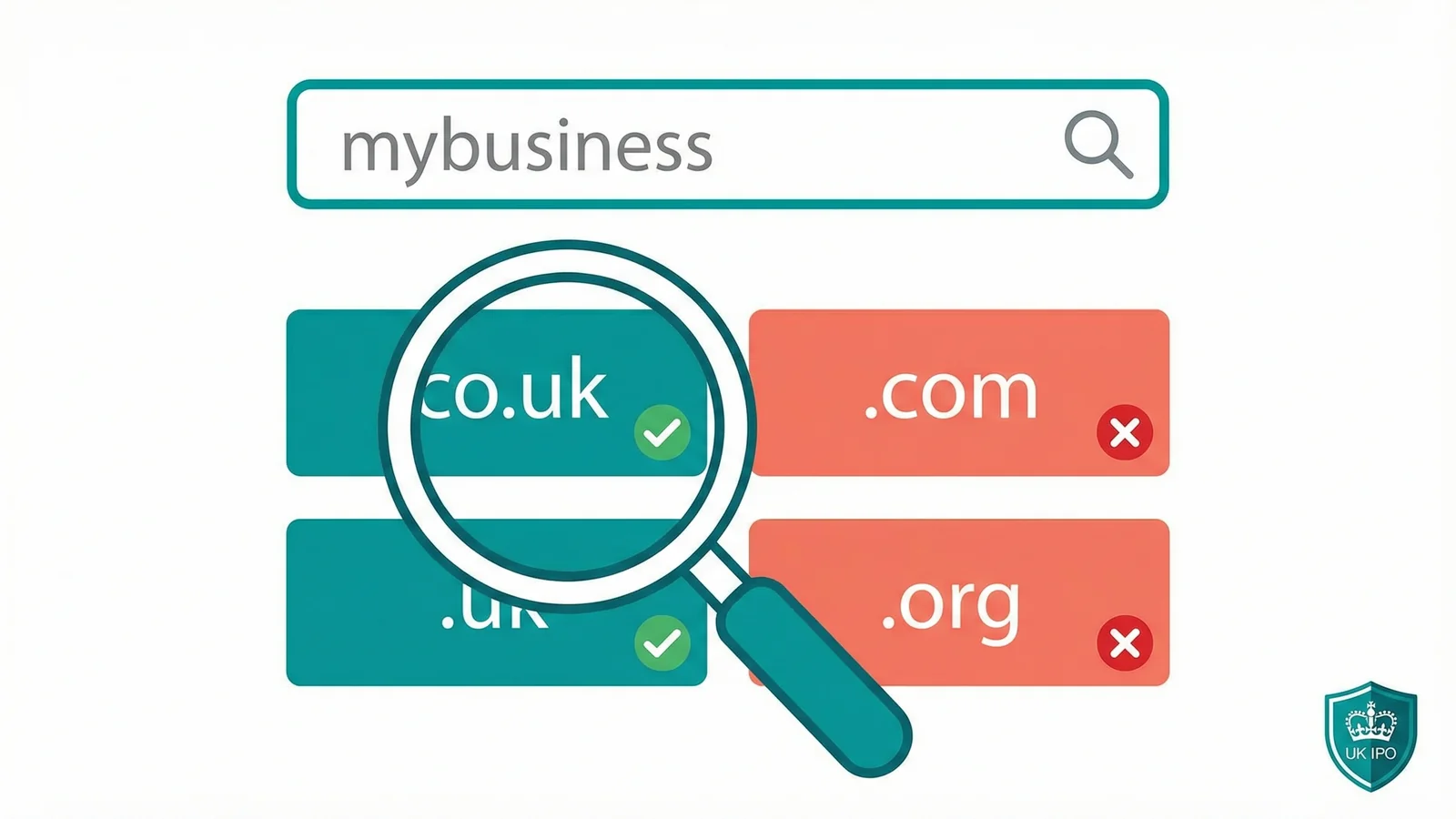
Typing a name into the first domain checker you find on Google feels harmless. It isn't always. Some third-party checkers log what you search and register the domain before you can buy it. It's called front-running, and it catches people out more often than you'd think.
This guide shows you how to check domain availability properly, from the trademark search most guides skip entirely to the history check that stops you buying a blacklisted domain. We've been a UK domain provider since 2002, and the process below is what we'd tell any client sitting across the desk from us.
Here's the full process:
- Search for trademarks first
- Use a trusted registrar to check availability
- Check the domain's history
- Check social media handles
- Secure your extensions
- Register the domain
Tools you'll need
- Web browser
- UK IPO trademark search (free)
- A trusted registrar's domain search (e.g. 365i)
- Wayback Machine (archive.org)
- WHOIS lookup tool
What you'll need
- A shortlist of 3 to 5 business name ideas
- A clear idea of your target market (UK only or international)
Step 1: Search for Trademarks First
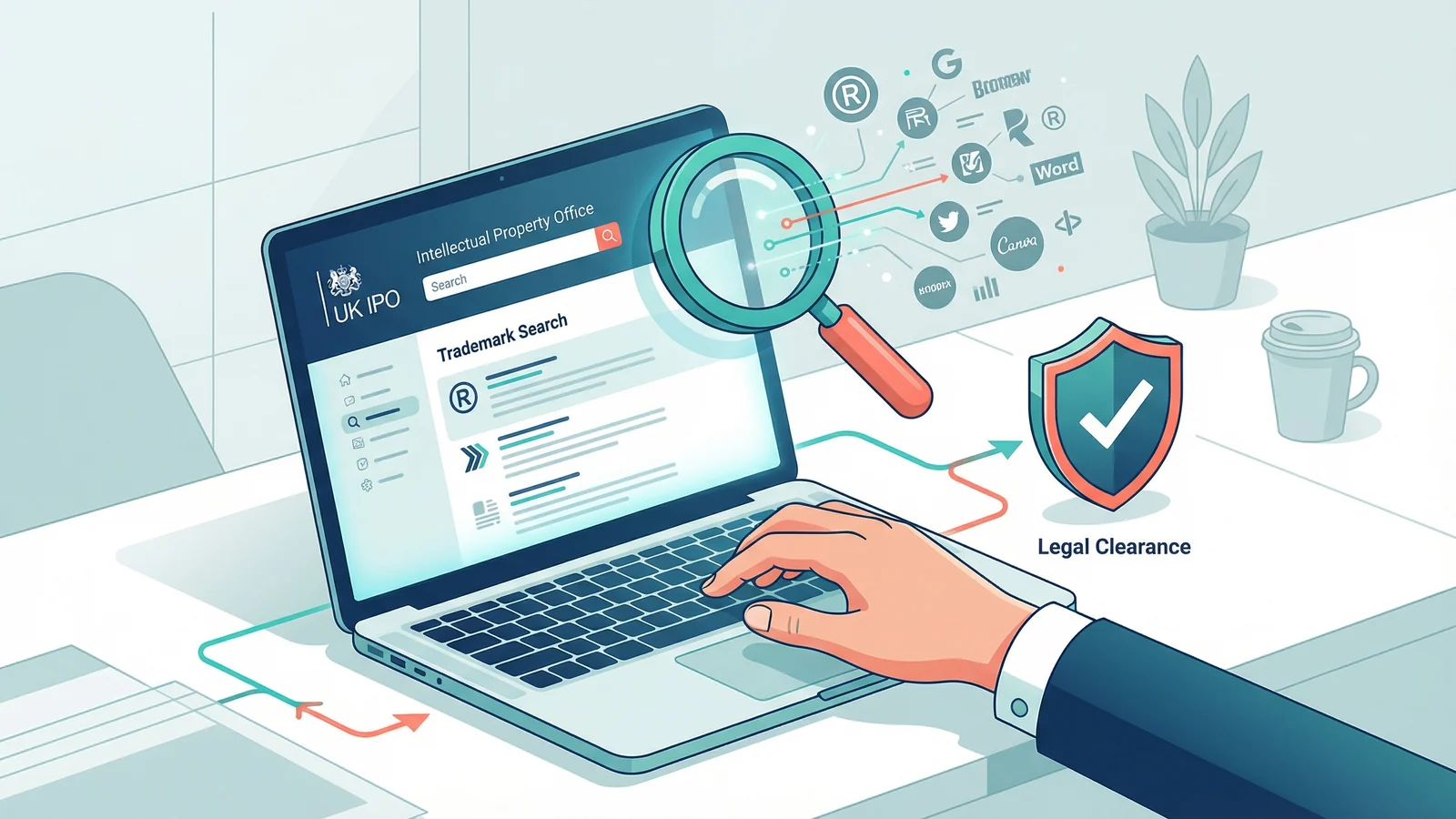
Open the UK Intellectual Property Office trademark search and type in each business name on your shortlist. You're looking for exact matches or anything close enough to cause confusion.
Why do this before checking domain availability? Because Nominet's Dispute Resolution Service handled 608 complaints in 2024, and 45% resulted in the domain being forcibly transferred to the trademark owner. That's someone who paid for a domain, built a website, printed business cards, then lost it all.
If you're planning to trade outside the UK, also check the EU IPO database and the WIPO Global Brand Database.
Tip: Also search Companies House. A business name registered there isn't automatically trademarked, but it does show someone else is already trading under that name in the UK, which could cause confusion for your customers.
Step 2: Use a Trusted Registrar to Check Availability
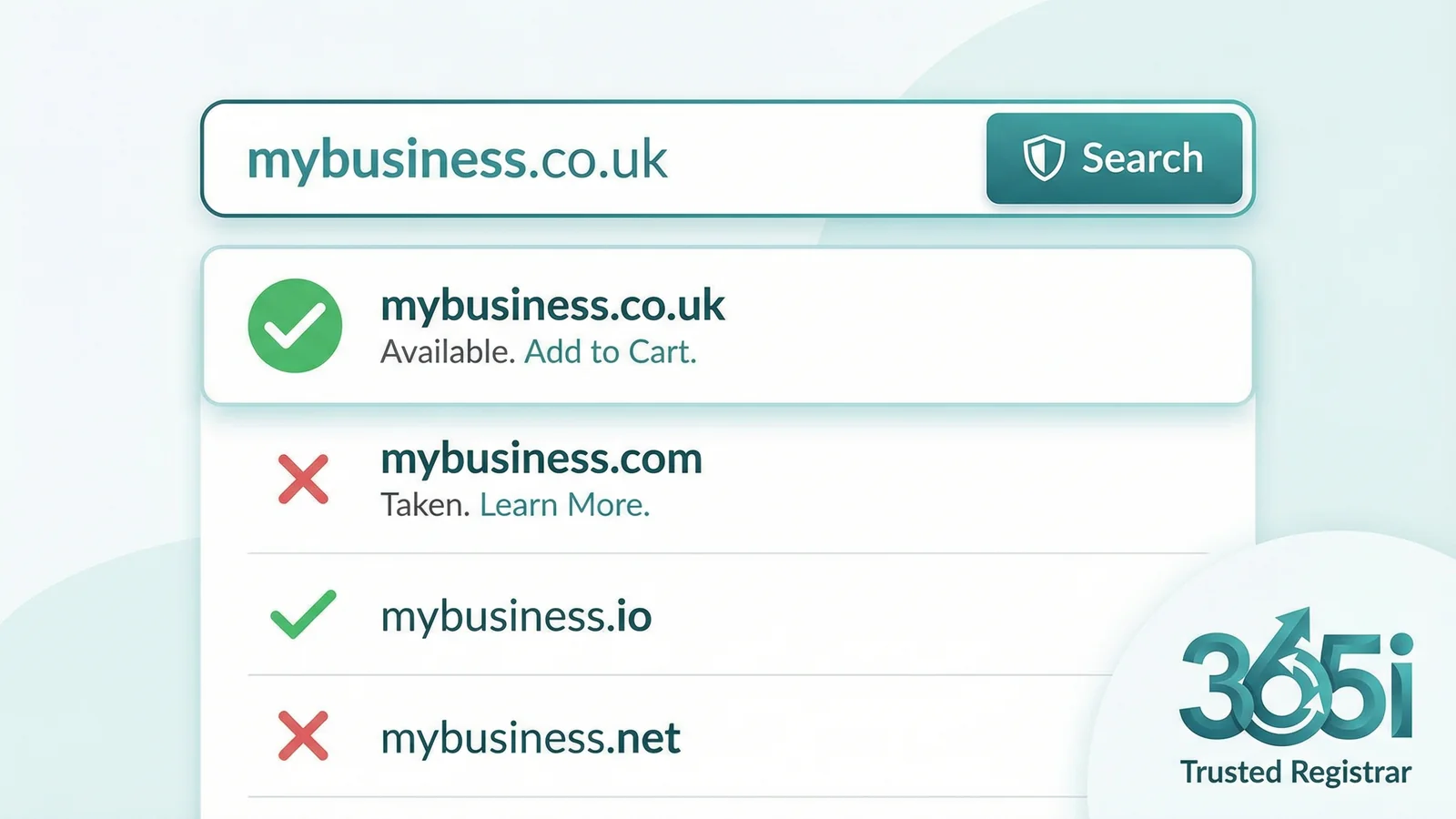
Use a trusted UK domain provider whose registrar relationship is clearly disclosed and independently verifiable. 365i's domain search queries Nominet and ICANN registry data through our long-standing registrar partner (20i Ltd, IPS tag STACK) and shows results for .co.uk, .uk, .com, and dozens of other extensions at once.
This is where most guides start. But we put it at Step 2 for a reason.
There's a practice called domain front-running where shady third-party "free domain checker" websites monitor what you search for, then register the domain immediately and try to sell it back to you at a markup. It sounds like a conspiracy theory, but it's well documented and it's the reason you should only search on a registrar you trust.
"Our systems treat new gTLDs like other gTLDs (like .com and .org). Keywords in a TLD do not give any advantage or disadvantage in search."
, John Mueller, Search Advocate at Google, Google Search Central Blog
I see businesses agonising over whether to get a .london or a .shop because they think it'll help them rank higher. It won't. Google treats all extensions the same. Pick the one that makes your brand look right. For UK businesses, that's almost always .co.uk or .uk. A lot more extensions are on the way, though, so it's worth reading our piece on what the 2026 ICANN round means for UK businesses before you buy.
Tip: If the search shows your domain is "available" but at a price far higher than normal (sometimes hundreds or thousands of pounds), it's a premium domain. The registry itself has decided that name is valuable and priced it accordingly. This isn't the registrar overcharging you; it's the wholesale price.
Step 3: Check the Domain's History
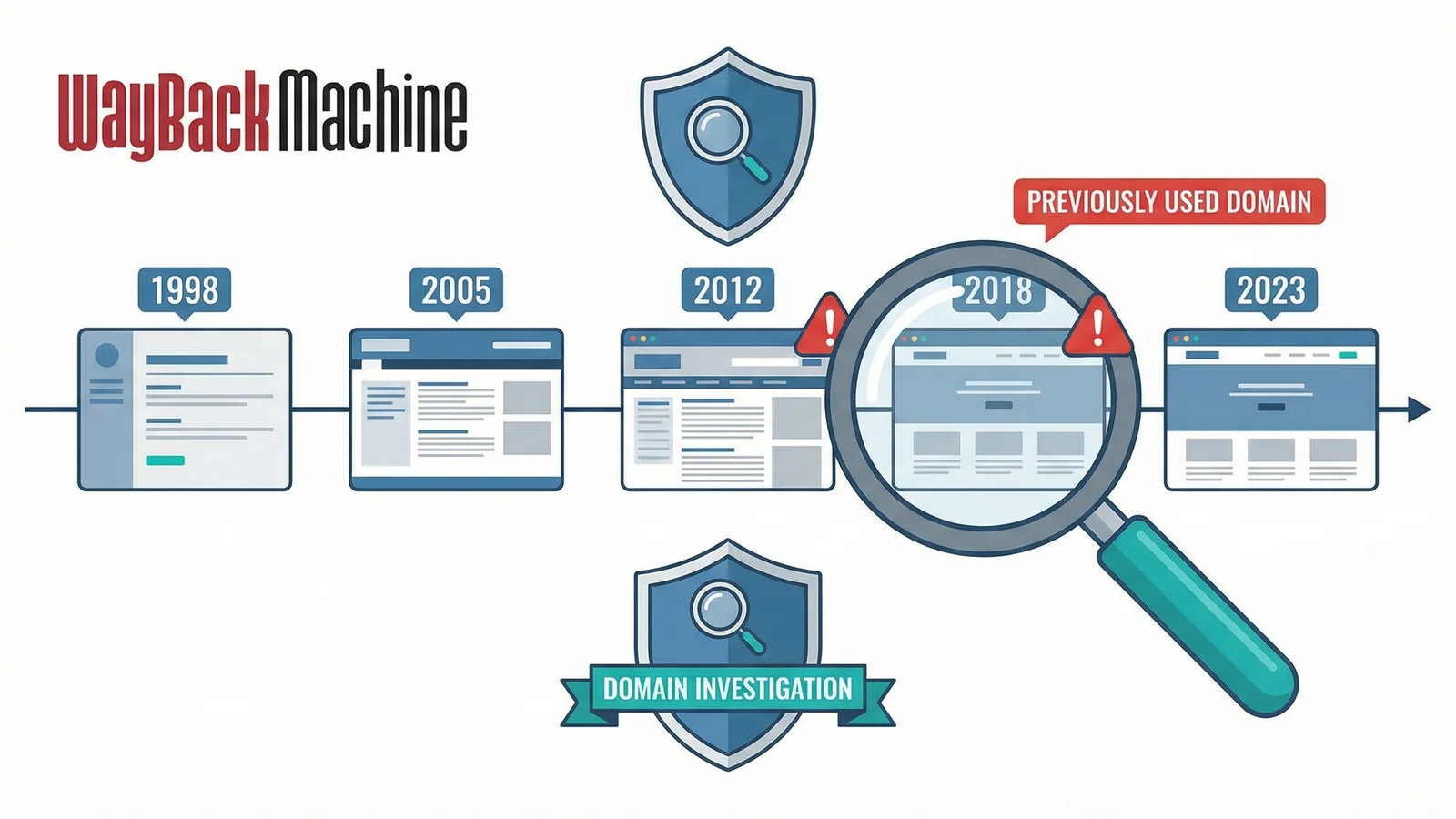
A domain that's available today wasn't necessarily born yesterday. It might have hosted a legitimate business that closed down. Or it might have been a spam farm, a phishing site, or a link network that Google blacklisted and the owner abandoned.
Go to the Wayback Machine and type in the domain. You'll see snapshots of whatever used to be on it. If it was a normal business or a parked page, you're fine. If the screenshots show pharmacy spam, casino redirects, or anything that looks dodgy, walk away.
You can also run a quick WHOIS lookup on the domain. Even if it's currently available, the WHOIS record sometimes shows creation and expiry history that tells you when it was last active.
Tip: Search Google for site:yourdomain.co.uk to see if any pages are still indexed. If Google is still showing old pages from a previous owner, you'll inherit those results (good or bad) when you register the domain.
Step 4: Check Social Media Handles
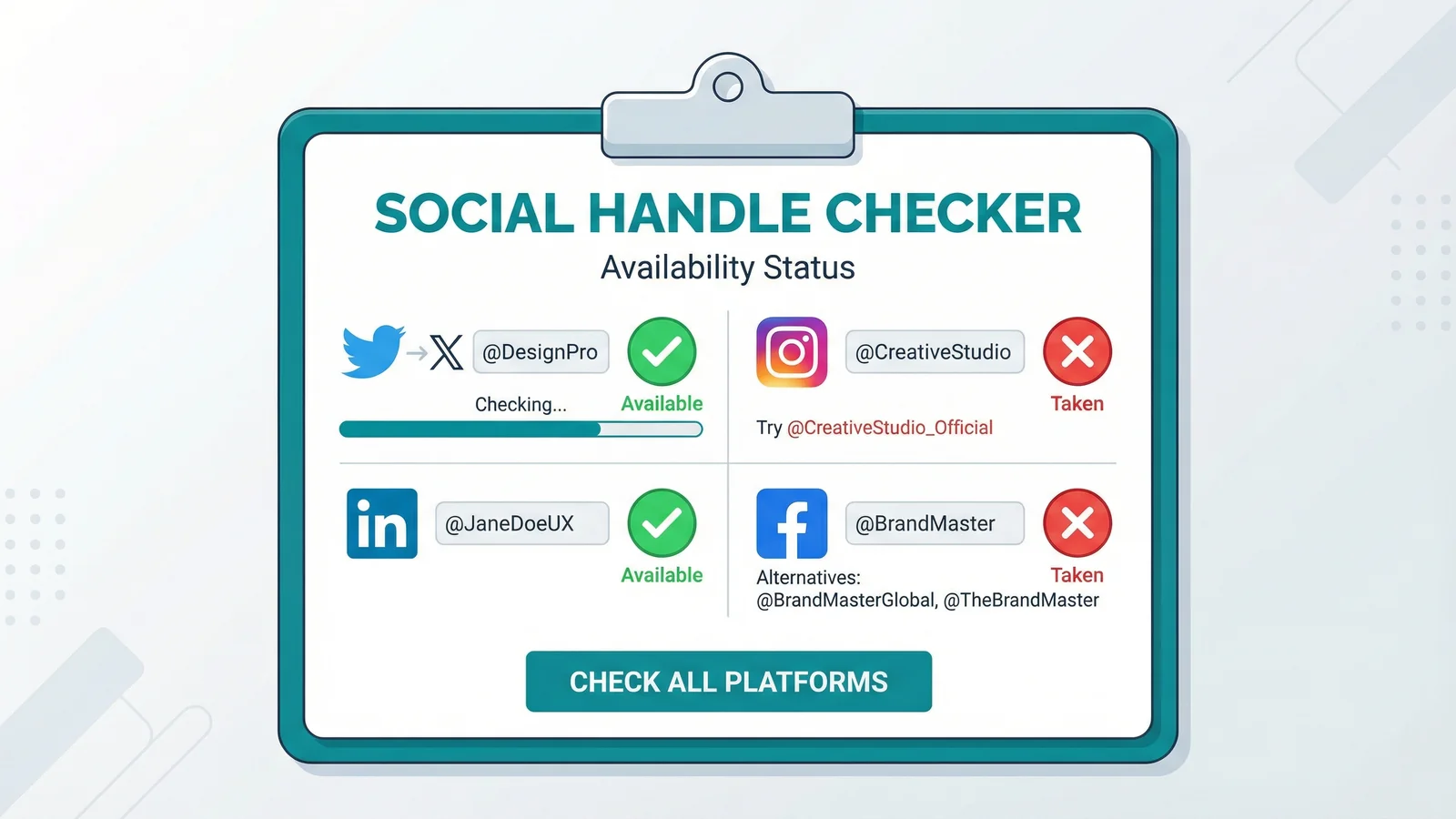
You've found an available domain. But is @yourbusiness available on Instagram? On X? On LinkedIn?
Brand consistency matters. If your domain is mybusiness.co.uk but someone else owns @mybusiness on every platform, you'll spend years explaining the difference to customers. Check social handle availability before you commit to a name.
You can check each platform manually, or use a tool like Namechk which checks dozens of platforms at once.
"If you have a US startup called X and you don't have x.com, you should probably change your name."
, Paul Graham, Co-founder of Y Combinator, Change Your Name
Graham was writing about Silicon Valley startups and .com domains, but the principle translates directly. If you're a UK business called Acme and someone else already owns @acme on every social platform, you've got a brand fragmentation problem from day one. Twenty-five years of registering domains for clients has taught me this: the businesses that check everything upfront save themselves months of headaches later.
Tip: Don't just check for an exact match. Also try common variations: mybusiness, mybusinessuk, mybusinesshq. If none of them are available, that name might not be the right choice.
Step 5: Secure Your Extensions
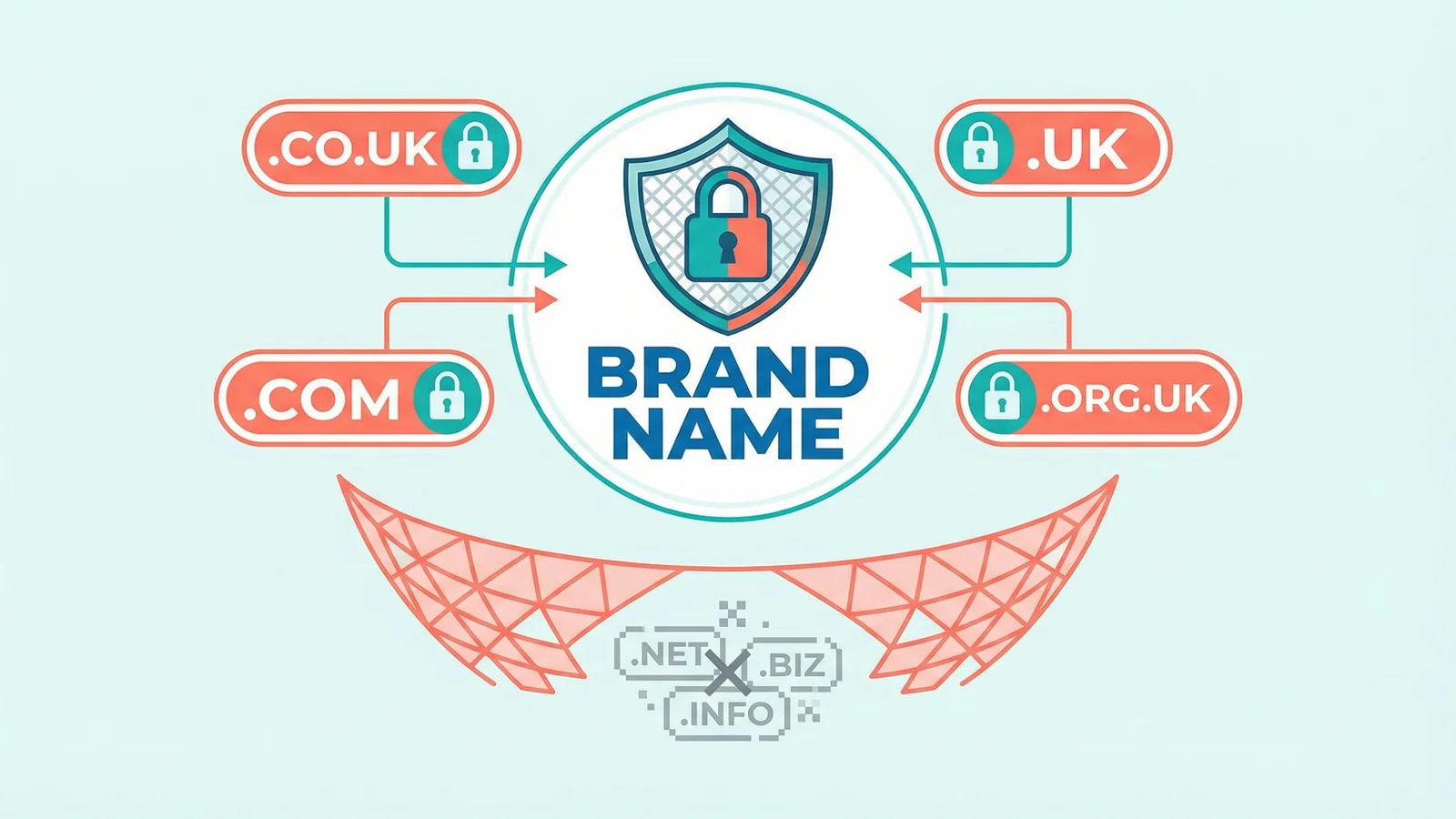
You've found your name. The trademark is clear, the domain is available, the history is clean, and the social handles match. Before you register just the one domain, think about the extensions you should grab alongside it.
At minimum, most UK businesses should register both the .co.uk and the .uk. We covered this in depth in our .uk vs .co.uk comparison. The short version: .co.uk is still the most trusted UK extension (over 8 million registrations), but .uk is shorter and growing. Registering both costs very little and stops a competitor taking the other one.
If you're planning to trade internationally, add .com to the list. If you're in a specific industry, check whether there's a relevant extension (.tech, .shop, .law) that a competitor could grab to confuse your customers.
The cost of registering 3 or 4 domains for a year is less than a round of drinks. The cost of a competitor registering your brand name under a different extension and redirecting it to their site? Much higher. We've seen it happen, and the hidden cost of cheap domains can bite both ways.
Step 6: Register the Domain
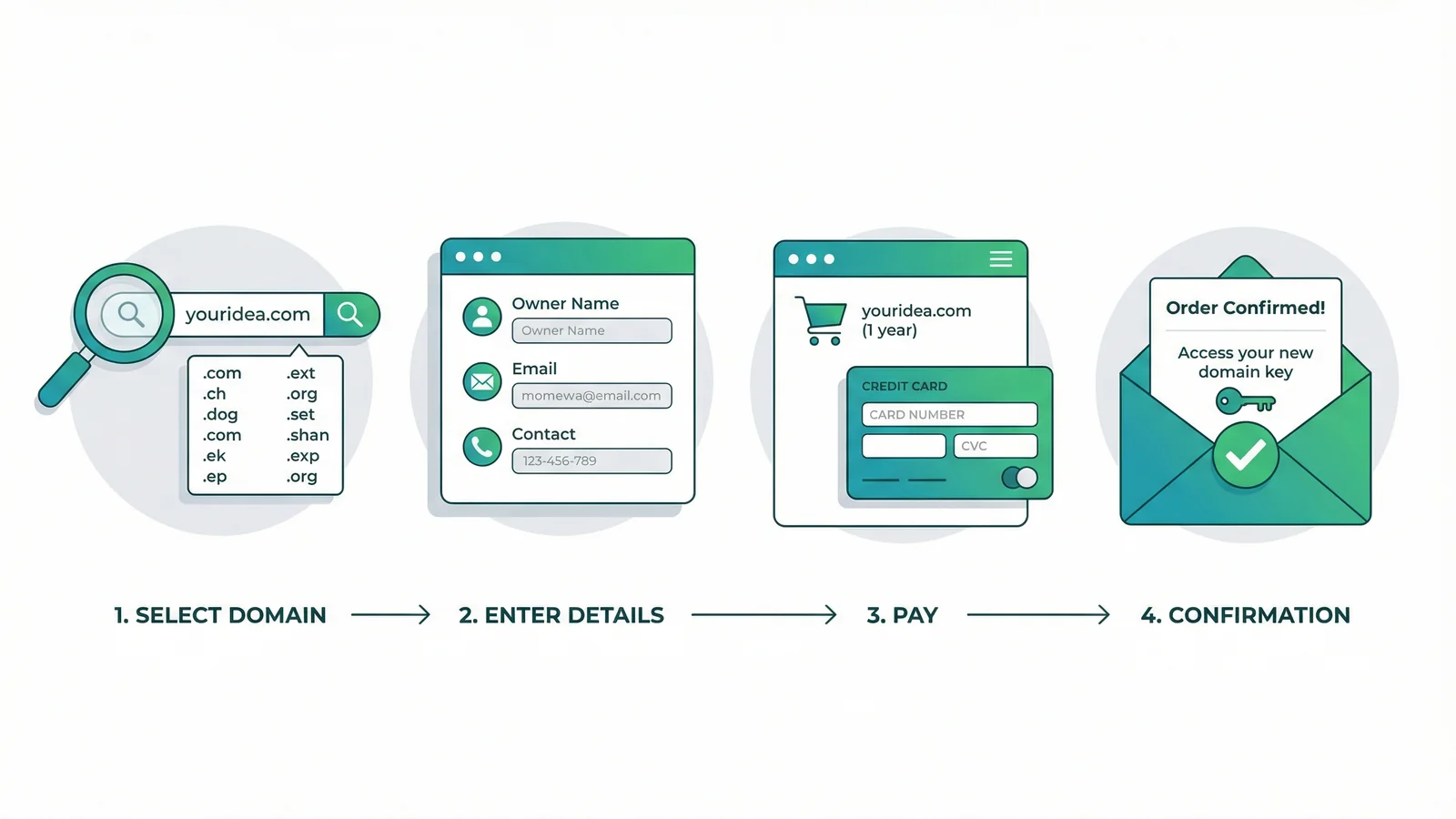
Everything checks out. Register the domain. If you're using 365i, it's just a search, a click, and a checkout. UK domains (.co.uk, .uk) register almost instantly. International domains (.com, .net) can take a few minutes to propagate.
Once registered, you'll want to set up your DNS records to point the domain to your website and email. If you're moving from another registrar, our domain transfer guide covers the whole process.
With over 368 million domains registered globally as of early 2025, and 120,000 new .uk domains registered every month, the best names don't stay available for long. But rushing the process is worse than missing a name. The six steps above take 15 to 30 minutes. Recovering from a trademark dispute or a blacklisted domain takes months.
"Cool URIs don't change."
, Tim Berners-Lee, Hypertext Style: Cool URIs don't change (1998)
Berners-Lee wrote that in 1998. It's even more true now. Your domain is the one part of your online presence that should never change. Every link, every business card, every email signature points back to it. Pick it carefully, check it thoroughly, and you won't need to pick again.
What If the Domain You Want Is Taken?
It happens. With over 10 million .uk domains already registered, your first choice might not be available. But that doesn't mean you're stuck. We wrote a full guide on what to do when your dream domain name is taken, covering aftermarket purchases, Nominet's drop catching process, and how to find a better alternative.
You can also use our WHOIS Lookup tool to find out who owns the domain, when it expires, and whether it might become available soon.
Frequently Asked Questions
Is it safe to search for domain names on free websites?
Some free domain checkers engage in front-running, where they log your search and register the domain before you can buy it. Stick to a UK provider with a verifiable chain (the WHOIS for any of their existing customer domains should match what the marketing says), or to an ICANN-accredited registrar directly. If you wouldn't trust a site with your credit card, don't trust it with your business name ideas.
How do I check if a .co.uk domain is taken?
Use the search tool of a UK provider whose .uk chain is verifiable (either a Nominet-accredited registrar directly, or a provider whose tag-holding partner is listed at Nominet). It queries the Nominet database in real time and returns an instant result. If it's taken, run a WHOIS lookup to see who owns it and when it expires.
Can I check domain availability without registering it?
Yes. Searching for a domain does not register it or obligate you in any way. You can check as many names as you like, completely free. The domain only becomes yours after you pay for it and the registration completes.
How do I check a domain's history before buying it?
Use the Wayback Machine (archive.org) to view snapshots of what used to be on the domain. Also search Google for site:domain.co.uk to see if old pages are still indexed. If either shows spam, phishing, or anything dodgy, choose a different name.
How do I check if a business name is taken as a domain in the UK?
Search the UK IPO trademark database and Companies House first to check the name is legally available. Then use a UK registrar's search tool to check whether the matching .co.uk and .uk domains are available to register.
What is domain front-running?
Front-running is when a third party monitors domain searches on their website, registers the domains people search for, then tries to sell them back at a markup. It's why you should only search for domains through accredited registrars who have no incentive to do this.
How long does a domain stay available after it expires?
Expired domains go through a grace period and then a redemption period before becoming available to the public. For UK domains, this can take 30 to 90 days after expiry. International domains follow ICANN rules with similar timelines. Our guide on what to do when a domain is taken covers the expiry process in detail.
Ready to Search for Your Domain?
Check availability across .co.uk, .uk, .com, and hundreds of other extensions. Registration takes minutes.
Search for a DomainSources
Published: · Last reviewed: · Written by: Mark McNeece, Founder & Managing Director, 365i
Editorially reviewed by: Mark McNeece on · Our editorial standards