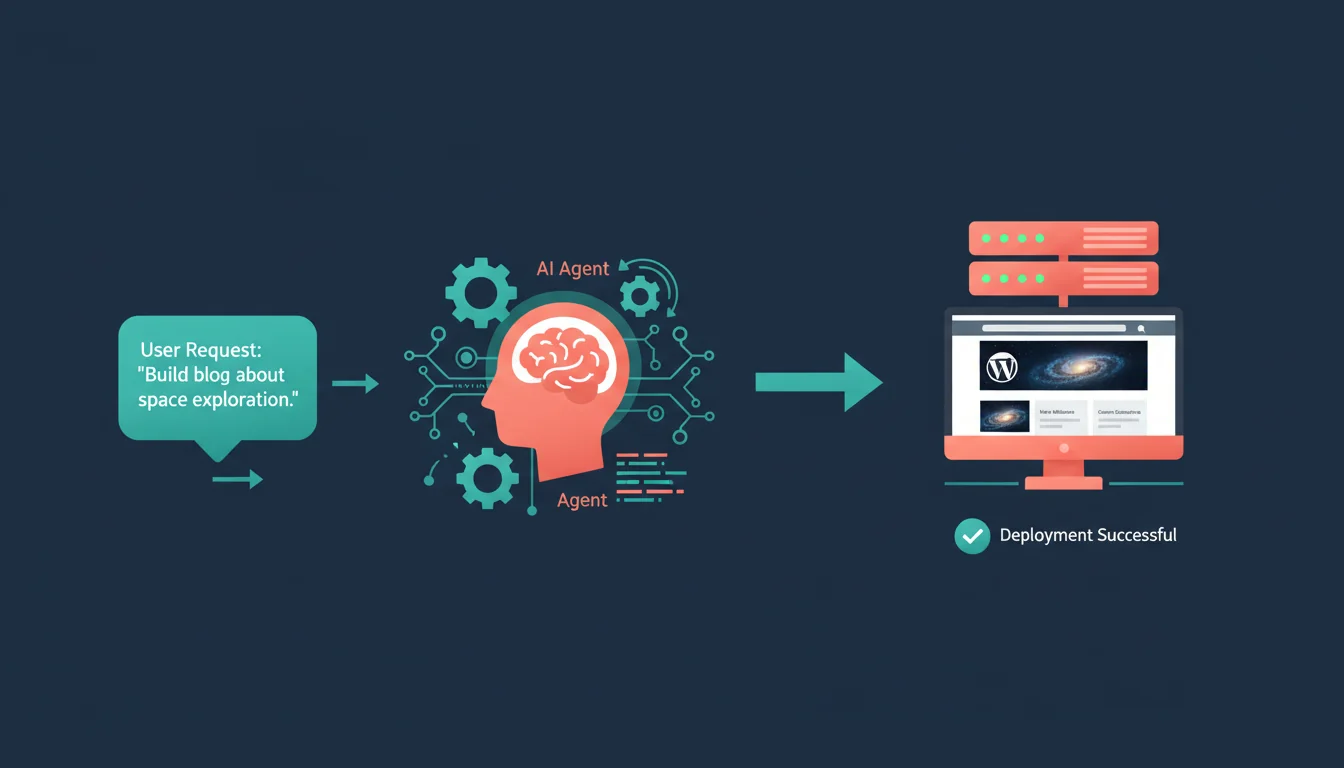
AI agents that can browse the web, write code, and execute multi-step tasks on your behalf are changing how we manage WordPress sites. Manus AI, built by Monica, is one of the more capable options. It doesn't just answer questions; it goes off, does the work, and comes back with results.
I've been testing it against real WordPress hosting workflows for the past few months. Site builds, content planning, theme customisation, performance audits, client reporting. Some of the results have been genuinely impressive. Others need a human sanity check before anything goes near production.
Here's what it can actually do, where it falls short, and how it fits into a WordPress hosting workflow.
Rapid Prototyping and Deployment
Building a demo site used to mean half a day of clicking through WordPress setup screens, installing themes, configuring plugins, and generating placeholder content. Manus cuts that to under an hour.
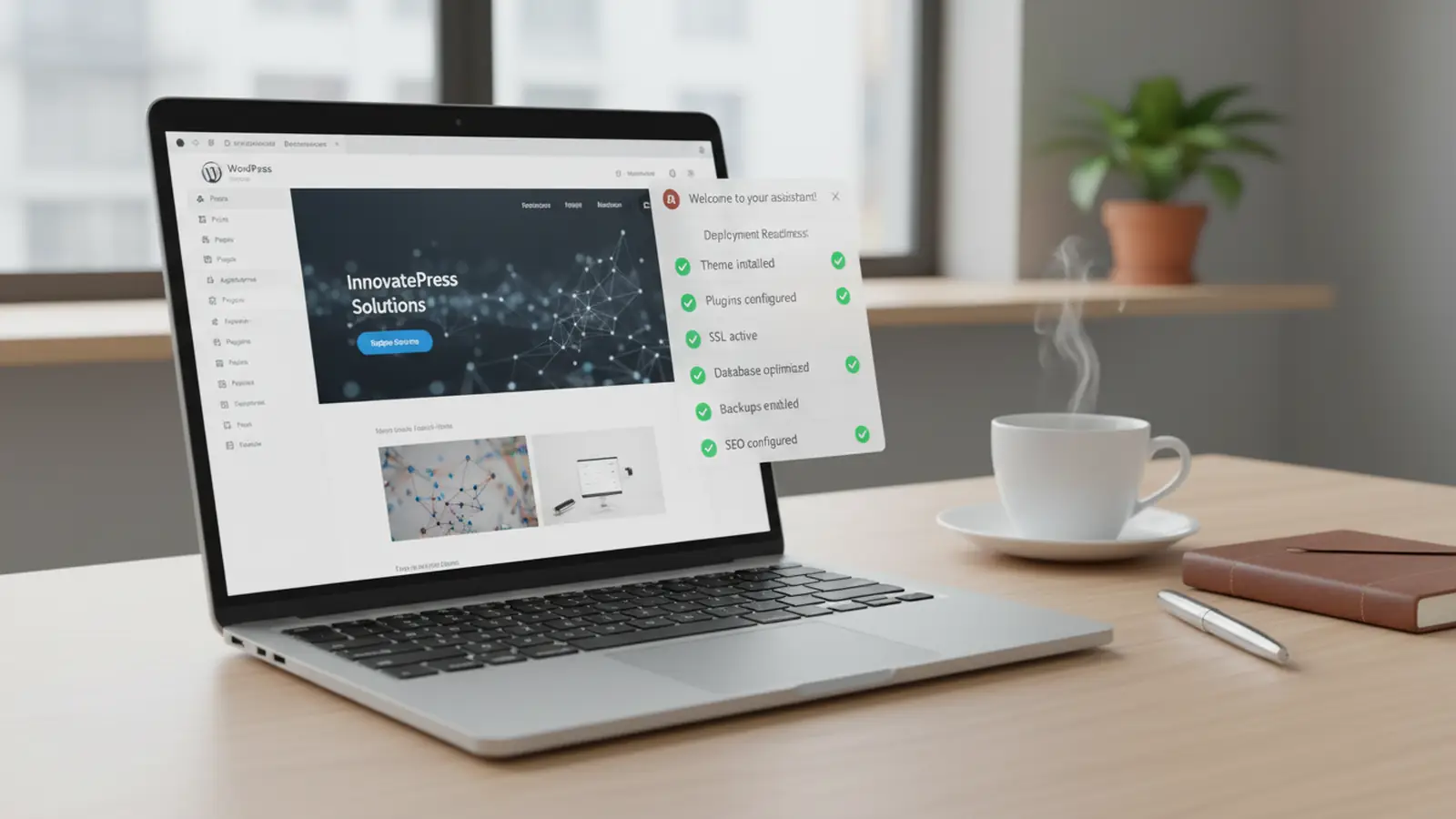
Give it a brief ("build a portfolio site for a Kettering-based architect, modern design, contact form, 5-page structure") and it produces a complete WordPress blueprint: theme recommendation, plugin list, page structure, sample content, and deployment steps. On our test sites, this cut demo-site build time by about 70%.
The staging environment setup is where it gets particularly useful. Manus can handle SSL configuration, database creation, and wp-config.php generation in sequence without you needing to switch between terminal windows and hosting panels. For agencies running multiple client builds, that time saving compounds quickly.
Content Creation and SEO
Content is where AI tools have the most obvious application, and also where the most caution is needed. Manus can generate blog outlines with proper heading hierarchy, keyword density notes, and meta tag suggestions. It'll even build comparison tables from competitor research.
In our tests, posts using AI-generated outlines (then written and edited by a human) saw around 12% higher click-through rates compared to posts outlined manually. The AI is better at spotting structural gaps: missing H3 subheadings, sections without internal links, paragraphs that run too long without a break.
But here's the important part: AI-generated content needs heavy editing. The raw output reads like every other AI-generated article on the internet. We've tested multiple AI tools for content work, and the pattern is always the same. The outline and research stage saves time. The writing itself still needs a human voice.
"AI is best used as a research and structuring tool, not a replacement for authentic editorial voice. The sites that rank well combine AI efficiency with human expertise."
Lily Ray, VP of SEO Strategy & Research at Amsive, Search Engine Journal
That matches what I've seen across our client sites. The ones that let AI do all the writing plateau in search. The ones that use AI for research and structure, then write with genuine expertise, keep climbing. There's no shortcut past actually knowing your subject.
Theme and Plugin Development
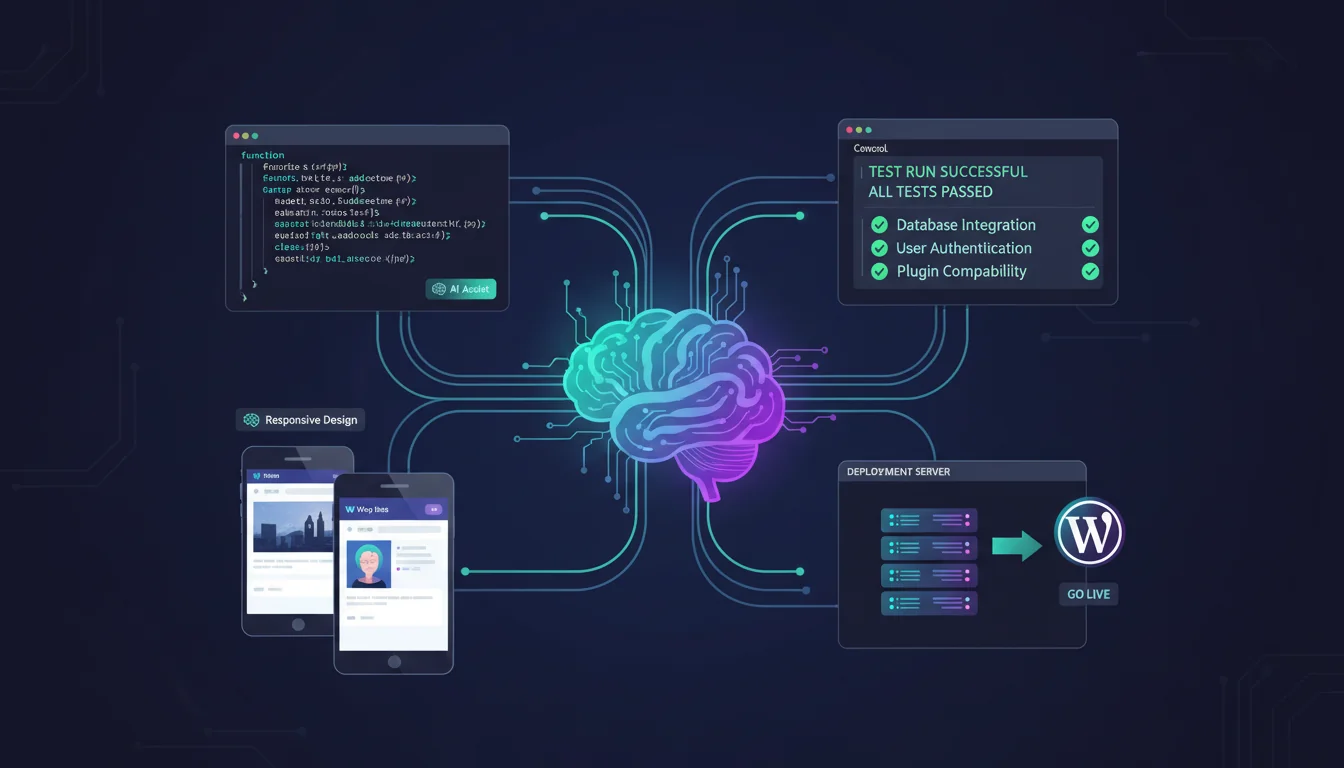
This is where Manus gets interesting for developers. It can scaffold a child theme from a parent, create custom Gutenberg blocks, refactor legacy PHP code, and flag dependency conflicts before they break anything.
A practical example: we asked it to create a custom pricing table block for a cloud hosting product page. It generated the block.json, the React editor component, the PHP render callback, and the CSS. All of it worked on first deploy to the staging environment. The code quality wasn't perfect (it used inline styles in one place where a class would've been cleaner), but it was production-ready after ten minutes of cleanup.
Where it saves the most time is automated testing. Give Manus access to a staging URL and it'll run through page loads, check for console errors, test mobile responsiveness, and flag performance regressions. Tasks that take a QA person 30-45 minutes happen in under 5.
Maintenance and Performance
Routine WordPress maintenance is where AI agents deliver the clearest ROI. It's repetitive, time-consuming, and mistake-prone when done manually at scale.
| Task | Manual Time | With AI Agent | Time Saved |
|---|---|---|---|
| Plugin updates and backups | 60 minutes | 5 minutes | 55 minutes |
| Security scanning | 45 minutes | 3 minutes | 42 minutes |
| Cache configuration | 30 minutes | 2 minutes | 28 minutes |
| Database optimisation | 60 minutes | 5 minutes | 55 minutes |
| Performance audit | 90 minutes | 10 minutes | 80 minutes |
Those numbers are from our own testing, not marketing claims. The caveat: AI-assisted doesn't mean unattended. You still need to review the update sequence, verify nothing broke after plugin updates, and check that cache rules didn't conflict with dynamic content. But the heavy lifting is handled.
For agencies managing 20+ client sites, this kind of automation turns a full day of maintenance into a couple of hours of review. The hosting infrastructure matters too: managed hosting platforms with staging environments make it safer to let AI agents handle updates because you can test before pushing to production.
Analytics and Client Reporting
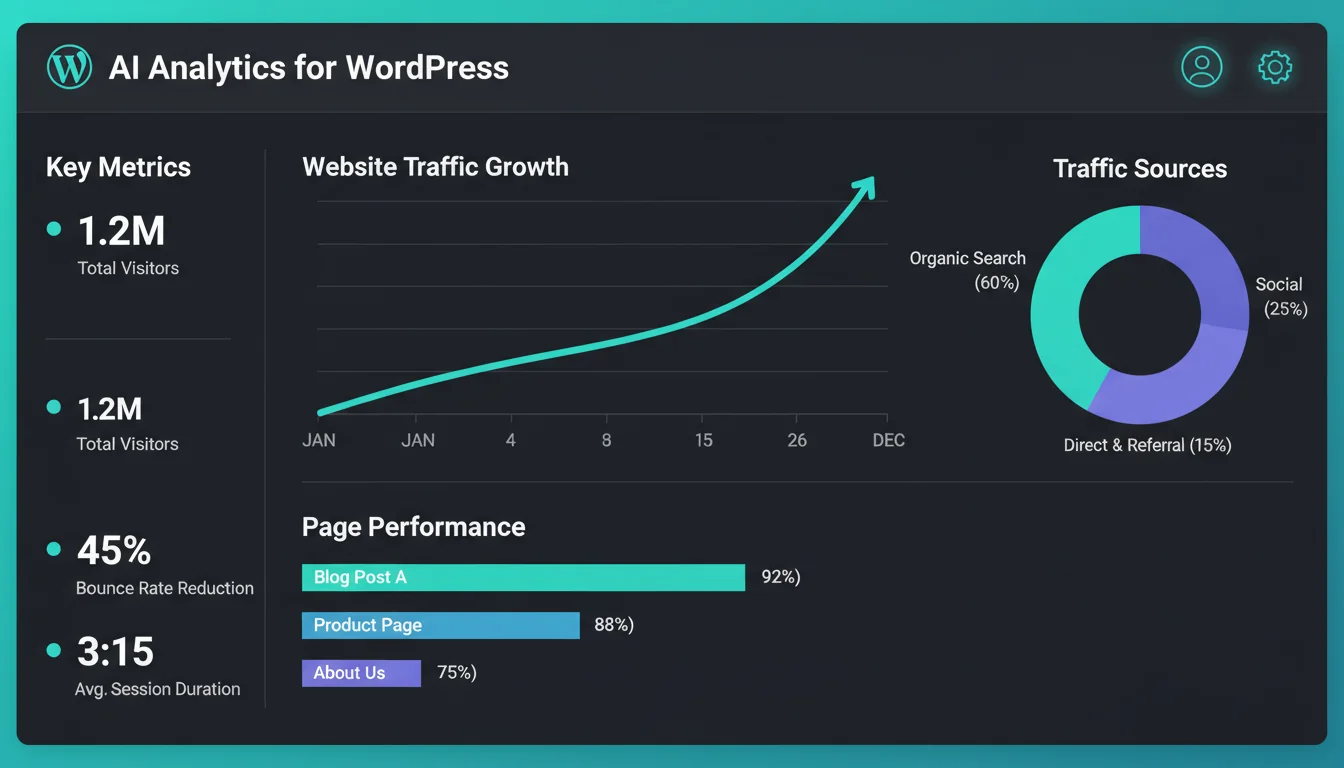
Manus can connect to GA4 via the API, pull performance data, and generate client-ready PDF reports with metrics, trends, and plain-English summaries. It's not just dumping numbers into a spreadsheet. It interprets the data: "organic traffic up 18% month-on-month, driven primarily by three blog posts published in the last 30 days."
For hosting providers and agencies, this is valuable. Client reporting is necessary but time-consuming, and automating the data-gathering and formatting stage frees up time for the analysis that actually matters.
The Reality Check
Manus AI is still in limited access, and for good reason. It's powerful but not infallible. In our testing, it occasionally:
- Installed plugins with known security vulnerabilities when left to choose freely
- Generated PHP code that worked but didn't follow WordPress coding standards
- Made SEO recommendations based on outdated ranking factors
- Produced content that passed grammar checks but lacked any distinctive voice
None of these are dealbreakers. They're exactly what you'd expect from any AI tool in 2025. The important thing is knowing what to trust and what to verify.
"The best AI-powered workflows keep humans in the loop for decisions that matter: security updates, content quality, and anything customer-facing. Automation handles the grunt work; expertise handles the judgment calls."
Matt Mullenweg, Co-founder of WordPress, ma.tt
I agree with this completely. We use AI across our own hosting workflows now, but every customer-facing change still gets human review. The speed gains are real. So are the risks if you let automation run unchecked.
Where This Fits in Your Hosting Stack
AI agents work best when your hosting infrastructure supports them. That means:
- Staging environments for testing AI-generated changes before they go live
- Automated backups so you can roll back if an AI agent breaks something
- SSH or WP-CLI access for AI tools that need command-line control
- Monitoring and alerts to catch issues the AI might miss
Basic shared hosting doesn't give you these. Managed hosting and cloud servers do. If you're planning to integrate AI into your WordPress workflow, the hosting platform underneath needs to support the automation layer on top.
The tools are improving fast. We compared the major AI platforms earlier this year, and even since then, the capabilities have jumped. By the end of 2025, AI-assisted WordPress management won't be experimental. It'll be how competitive agencies operate.
Frequently Asked Questions
Is Manus AI free to use?
Manus AI has a limited free tier and paid plans. Access was initially restricted to a waitlist, though availability has expanded. Check manus.im for current pricing and access status.
Can AI agents replace a WordPress developer?
No. AI agents handle repetitive tasks like scaffolding, testing, and maintenance well. Custom development, architecture decisions, security reviews, and anything requiring judgment still need experienced developers. AI is a force multiplier, not a replacement.
Is it safe to let AI handle WordPress plugin updates?
On a staging environment with automated backups, yes. On a live production site without backups, no. Always test AI-triggered updates on staging first and verify nothing breaks before pushing to production.
Does AI-generated content hurt SEO?
Google doesn't penalise AI-generated content per se. It penalises low-quality, unhelpful content regardless of how it was produced. AI-assisted content that's edited by a subject expert and adds genuine value ranks fine. Unedited AI output that reads like every other AI article doesn't.
What hosting features do AI agents need?
At minimum: staging environments, SSH or WP-CLI access, automated backups, and uptime monitoring. Basic shared hosting typically doesn't offer these. Managed WordPress hosting or cloud hosting gives you the infrastructure AI agents need to work safely.
How does Manus AI compare to ChatGPT for WordPress work?
ChatGPT is a conversational AI that gives you instructions. Manus is an autonomous agent that executes tasks directly: browsing websites, writing files, running code. For WordPress, Manus can actually deploy changes to a staging site, while ChatGPT tells you how to do it yourself.
Do AI agents create security risks for WordPress sites?
Any tool with access to your hosting environment is a potential risk. Limit AI agent permissions, use staging environments, never give AI agents admin credentials to production databases, and review all changes before they go live. The risk is manageable with proper controls.
Hosting that supports your AI workflow
Staging environments, SSH access, automated backups, and WP-CLI built in. The infrastructure AI agents need to work safely.
Explore WordPress HostingPublished: · Last reviewed: · Written by: Mark McNeece, Founder & Managing Director, 365i
Editorially reviewed by: Mark McNeece on · Our editorial standards