Four WordPress plugins with a combined install base of hundreds of thousands of sites had critical vulnerabilities under active exploitation in December 2025. All four scored 9.0 or higher on the CVSS scale, all required zero authentication to exploit, and attackers were using them to create backdoor admin accounts, upload web shells, and execute arbitrary code.
If you run any of these plugins, check your versions right now. The fixes are already available. Here's what happened, what to do about it, and how to stop this kind of thing happening to your site in future.
The Four Vulnerabilities at a Glance
| Plugin | CVE | CVSS | Vulnerable | Fixed In |
|---|---|---|---|---|
| King Addons for Elementor | CVE-2025-8489 | 9.8 | 24.12.92 - 51.1.14 | 51.1.35+ |
| ACF Extended | CVE-2025-13486 | 9.8 | 0.9.0.5 - 0.9.1.1 | 0.9.2+ |
| Sneeit Framework | CVE-2025-6389 | 9.8 | ≤ 8.3 | 8.4+ |
| Multi Uploader for Gravity Forms | CVE-2025-23921 | 9.0 | ≤ 1.1.3 | 1.1.5+ |
Every one of these allows unauthenticated exploitation. That means an attacker doesn't need a WordPress login. They just need to find your site.
King Addons for Elementor: Privilege Escalation
CVE-2025-8489 is the worst of the four. It lets an attacker create a new administrator account on your site without logging in. Wordfence documented over 48,400 blocked exploitation attempts, with a single IP address (45.61.157.120) responsible for 28,900 attacks over just two days in November.
The attack is automated and targets sites at scale. If you're running any version between 24.12.92 and 51.1.14, update to 51.1.35 or later immediately. Then go to Users in your WordPress admin and check for any accounts you don't recognise. If you find one, your site has likely been compromised and you'll need to do a full cleanup.
ACF Extended: Remote Code Execution
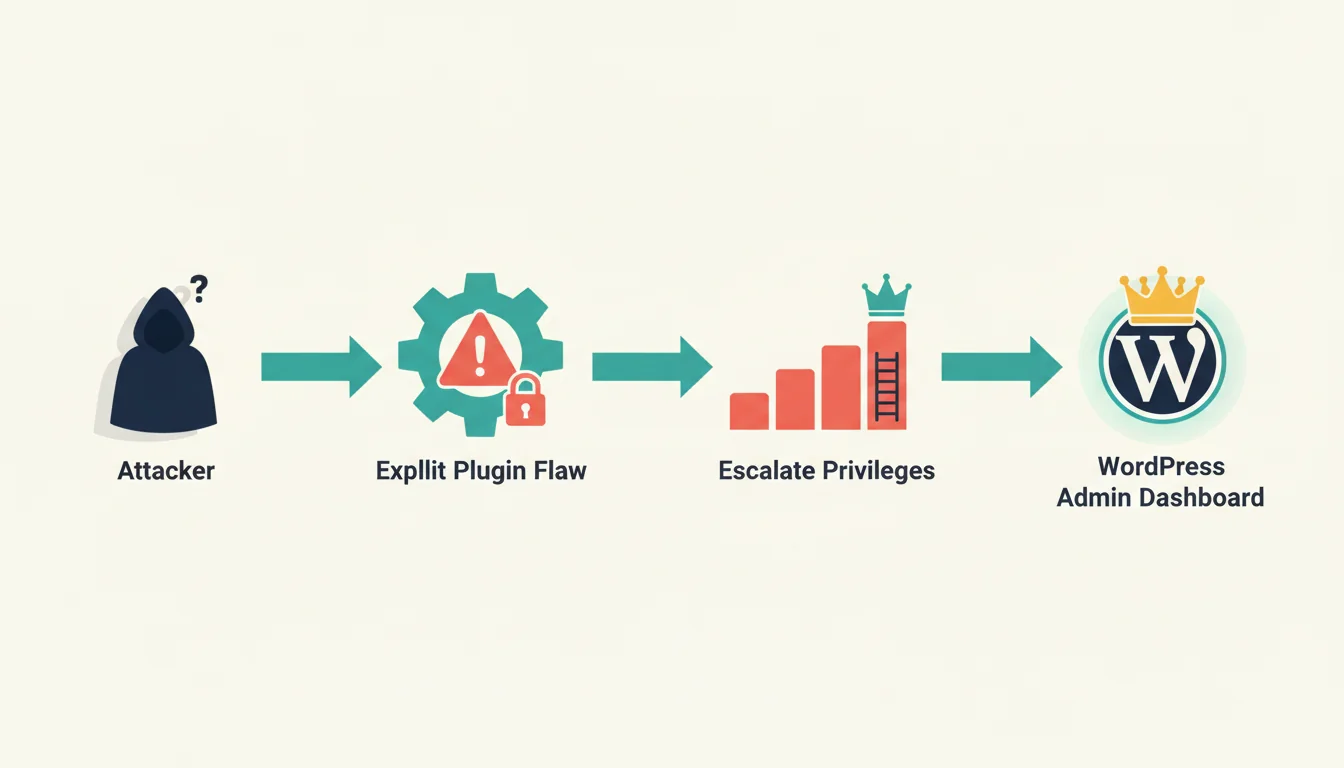
This one affects roughly 100,000 sites. The prepare_form() function passes unsanitised user input directly to call_user_func_array(), which means an attacker can execute any PHP code they want on your server. Not "modify some data" or "read some files". Arbitrary code execution. Full server control.
The patch landed on 19 November. Update to version 0.9.2 or higher. After updating, scan your /wp-content/uploads/ directory for any PHP files that shouldn't be there. Uploaded PHP files in that directory are a common sign that someone has dropped a web shell on your server.
Sneeit Framework: The Bundled Threat
CVE-2025-6389 is a 9.8-rated vulnerability in a framework that most site owners don't even know they're running. Sneeit comes bundled inside certain magazine themes. You won't find it by searching your plugin list, because it's a theme component, not a standalone plugin.
Check Appearance then Themes in your admin. If your theme bundles Sneeit Framework version 8.3 or lower, you need to update the entire theme (not just the framework). Wordfence logged 491 attack attempts against this vulnerability in a single 24-hour period.
Multi Uploader for Gravity Forms: File Upload Attack
CVE-2025-23921 allows unrestricted file uploads, including PHP web shells. Attack waves against this plugin have been documented since August 2024, so this isn't new. But the vulnerability remained unpatched in versions 1.1.3 and below until recently.
Update to 1.1.5 or higher. Check /wp-content/uploads/gravity_forms/ for any suspicious PHP files. If you don't need multi-file uploads as a feature, consider deactivating the plugin entirely.
"The majority of WordPress vulnerabilities we track are exploitable without authentication. Site owners often underestimate how quickly automated scanners find and exploit newly disclosed flaws."
Chloe Chamberland, Threat Intelligence Lead, Wordfence
This matches what we see on our hosting platform. Automated vulnerability scanners hit WordPress sites within hours of a CVE being published. If your plugin updates are set to manual and you only check once a month, you're leaving a window of exposure that's measured in weeks. Our WordPress security and GDPR checklist covers the full set of protections every site should have in place. In March 2026, this pattern repeated when WordPress shipped three security patches in a single day to fix four actively exploited vulnerabilities.
60-Second Security Check
Do this right now. It takes less than a minute.
- Log into your WordPress admin dashboard
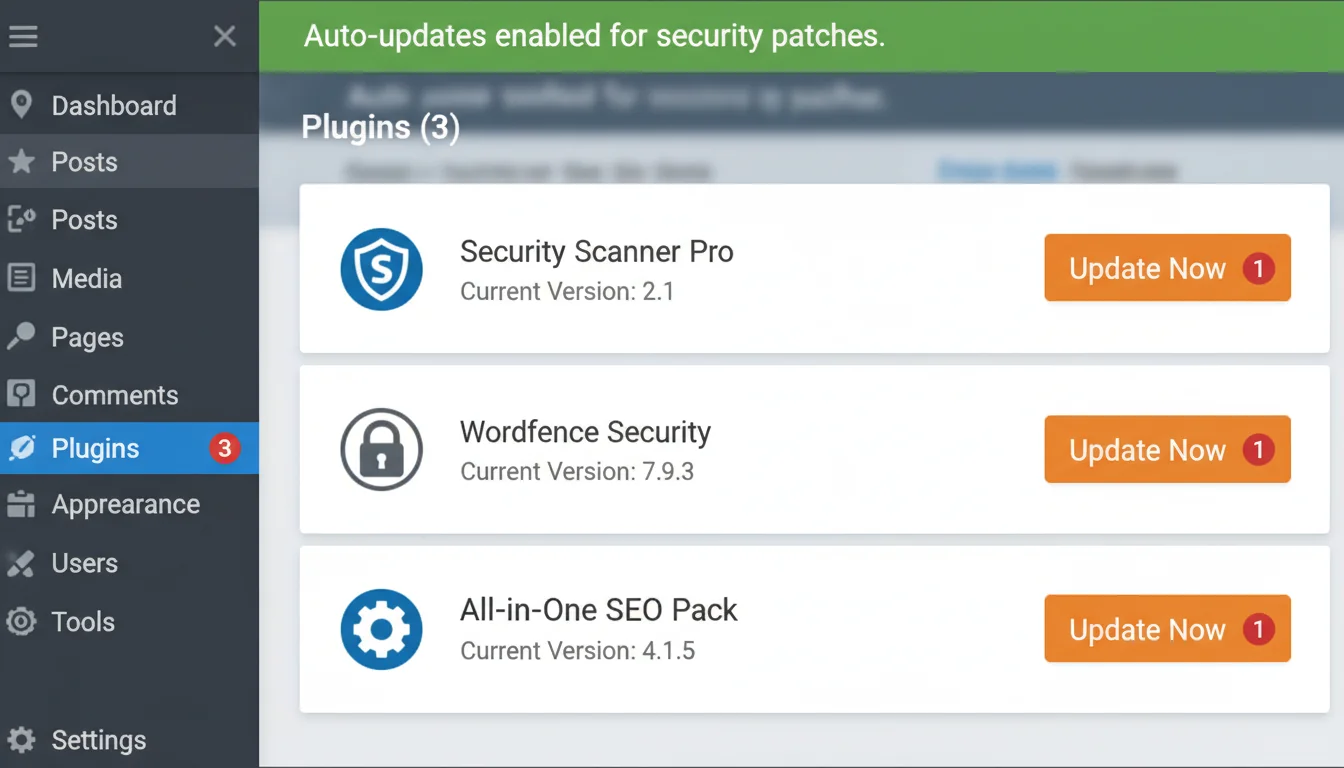
- Go to Plugins → Installed Plugins
- Search for: King Addons, ACF Extended, Sneeit Framework, Multi Uploader
- Compare your installed versions against the vulnerable ranges in the table above
- Update any matching plugins immediately
- Check Users → All Users for any accounts you don't recognise
If you find a plugin in the vulnerable range but can't update right now, deactivate it. A deactivated vulnerable plugin is safer than an active one.
What to Do If Your Site Has Been Compromised
If you find suspicious admin accounts, unexpected files in your uploads directory, or your site is behaving oddly, assume compromise and act fast.
- Change all administrator passwords immediately. Every single one. Use strong, unique passwords.
- Enable two-factor authentication. Wordfence Login Security or Google Authenticator both work. This stops stolen credentials from being reused.
- Remove unauthorised users. Delete any admin accounts you didn't create.
- Run a malware scan. Wordfence or Sucuri both offer comprehensive scanning. Look for backdoors in
/wp-content/uploads/,/wp-includes/, and your theme directory. - Restore from backup. If you have managed hosting with automated backups, restore to a point before the compromise. Our hosting includes 30-day backup restore points for exactly this scenario.
Preventing This in Future
WordPress plugin vulnerabilities aren't going away. The ecosystem has over 60,000 plugins, and new CVEs are disclosed weekly. The sister site documented 661 vulnerabilities in a single week in February 2026, with 164 still unpatched. December 2025's four critical flaws are just one example of an ongoing pattern.
Here's what actually helps:
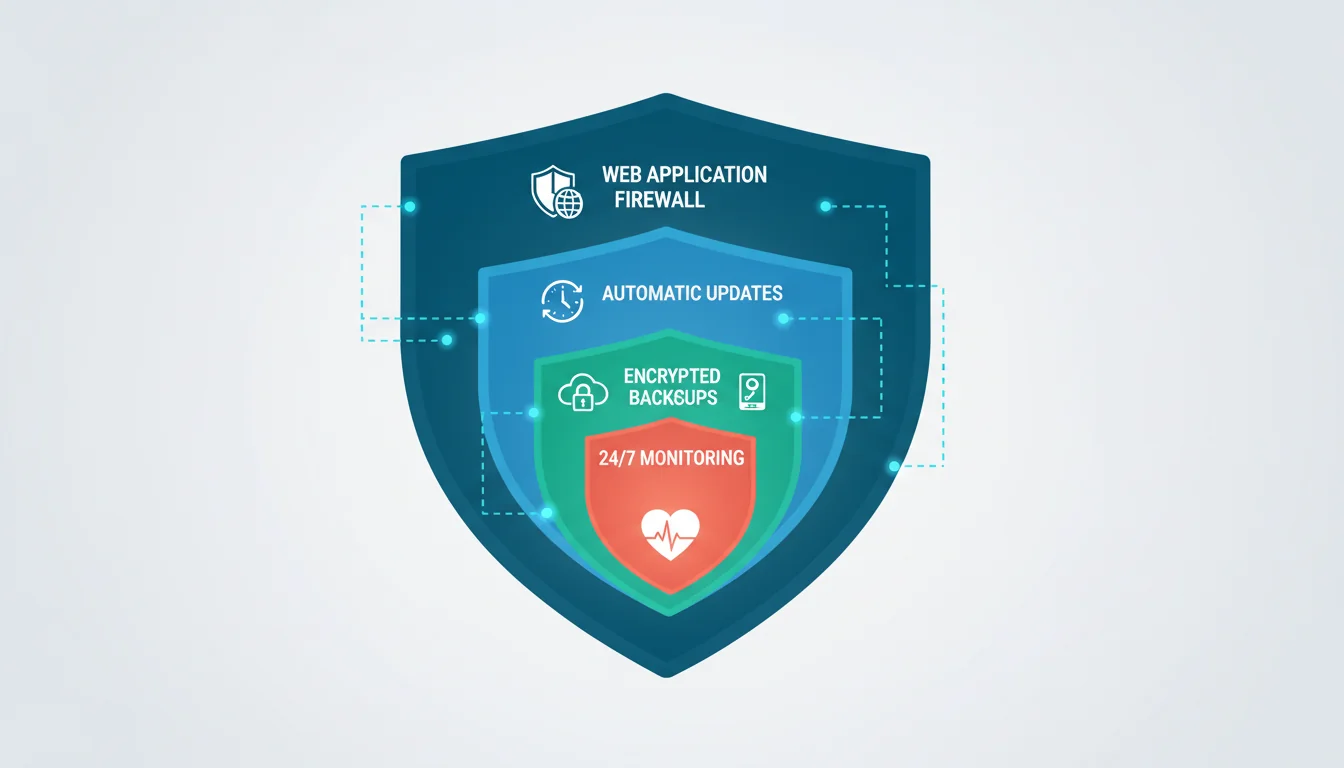
- Enable automatic security updates for plugins. WordPress supports this natively since version 5.5. For security patches, the brief risk of a compatibility issue is worth the protection.
- Use a Web Application Firewall (WAF). Wordfence, Cloudflare, or your hosting provider's WAF can block exploit attempts before they reach your site. Our managed WordPress hosting includes proactive security monitoring.
- Audit your plugins quarterly. Remove anything you're not actively using. Every installed plugin is a potential attack surface, even if it's deactivated. Our free security tools can check your HTTP headers, verify your DNS and email authentication, and scan for mixed content vulnerabilities too.
- Monitor the Wordfence blog. Their Threat Intelligence database is the fastest public source for WordPress vulnerability disclosures.
"The best security practice is reducing your attack surface. Every plugin you don't need is a vulnerability you don't have."
Sucuri Security Team, WordPress Hardening Guide
After running a hosting company for over 20 years, the pattern is always the same. The sites that get compromised aren't running exotic attacks. They're running outdated plugins with known CVEs. The fix is boring: keep things updated, remove what you don't use, and make sure your hosting includes proper backup and monitoring. If you're on a budget host that skips WAF protection and automated backups, our breakdown of the hidden costs of cheap WordPress hosting explains why that saving tends to come back as a much larger bill.
Frequently Asked Questions
How do I check if my site is affected by these vulnerabilities?
Go to Plugins then Installed Plugins in your WordPress admin. Search for King Addons, ACF Extended, Sneeit Framework, and Multi Uploader for Gravity Forms. Compare your installed version numbers against the vulnerable ranges listed in this article. Update any that match.
What does "unauthenticated exploitation" mean?
It means an attacker doesn't need a WordPress username or password to exploit the vulnerability. They can attack your site remotely just by sending crafted requests to your server. This makes automated mass-scanning extremely effective.
How do I know if my WordPress site has been hacked?
Check for unfamiliar admin accounts under Users, unexpected PHP files in your uploads directory, unexplained redirects, or Google Search Console security warnings. Running a Wordfence or Sucuri scan will catch most compromises.
Should I enable automatic plugin updates?
For security patches, yes. The risk of a brief compatibility issue is far smaller than the risk of running a known-vulnerable plugin for days or weeks. WordPress has supported automatic plugin updates since version 5.5.
Is a deactivated plugin still a security risk?
Deactivated plugins are safer than active ones because WordPress won't execute their code during normal page loads. But the files are still on your server and could be exploited through direct file access in some cases. If you're not using a plugin, delete it entirely.
What does a CVSS score of 9.8 mean?
CVSS scores range from 0 to 10. A score of 9.0 to 10.0 is rated "Critical", meaning the vulnerability is easy to exploit, requires no authentication, and can give an attacker full control of the affected system. All four vulnerabilities in this article scored 9.0 or higher.
Can a firewall protect against these attacks?
A Web Application Firewall (WAF) like Wordfence or Cloudflare can block many exploit attempts before they reach your site. Wordfence blocked over 48,000 attempts against King Addons alone. But a WAF is a supplement to patching, not a replacement. Always update your plugins.
Keep Your WordPress Site Secure
Our managed WordPress hosting includes proactive security monitoring, automated backups with 30-day restore points, and a Web Application Firewall that blocks exploit attempts before they reach your site.
View Security FeaturesSources
Published: · Last reviewed: · Written by: Mark McNeece, Founder & Managing Director, 365i
Editorially reviewed by: Mark McNeece on · Our editorial standards