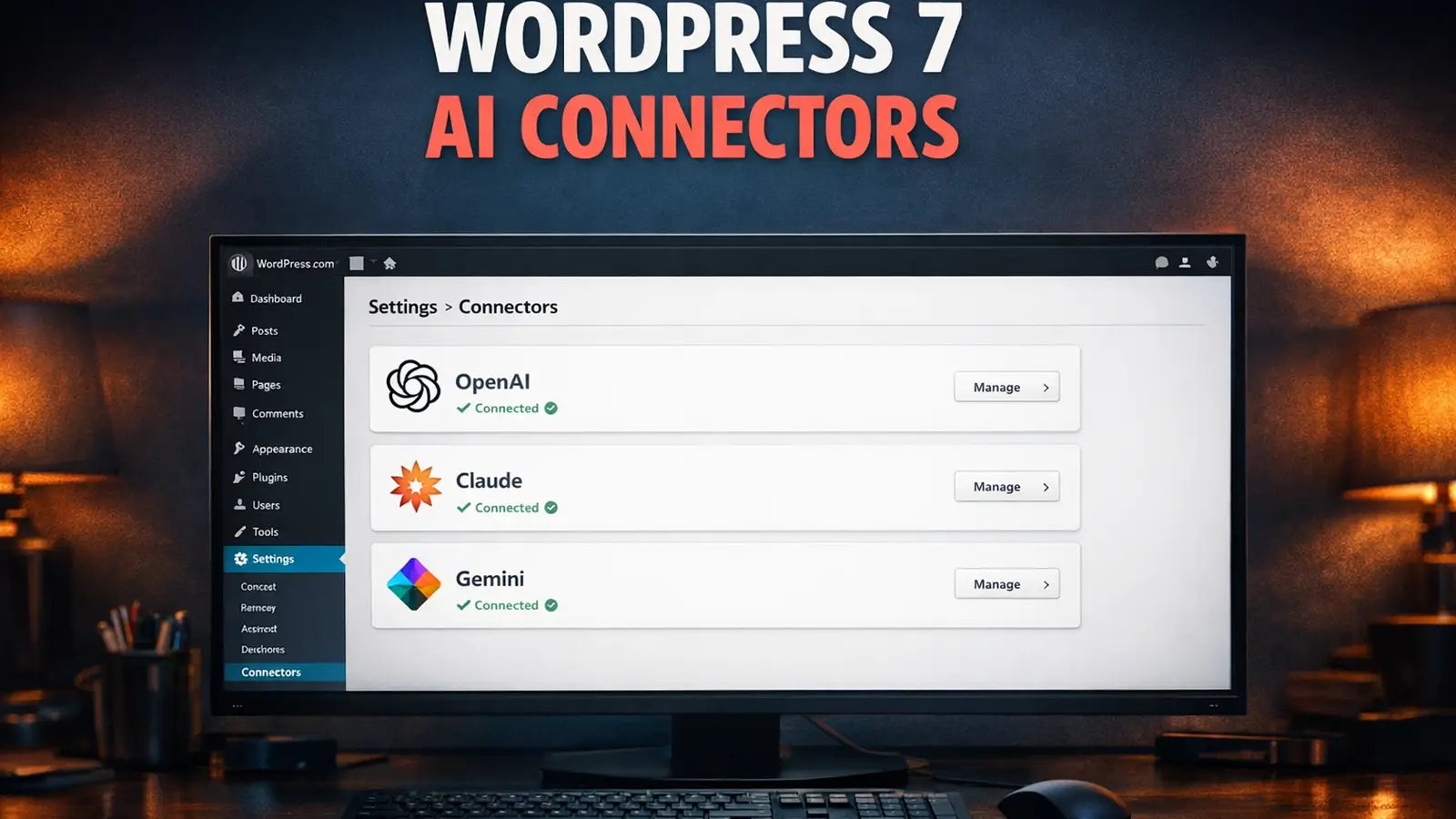
WordPress 7.0 didn't ship on 9 April 2026. The day came and went. If you'd planned your upgrade around that date (and we'd told you to in our hosting readiness checklist last month), you're now in a holding pattern.
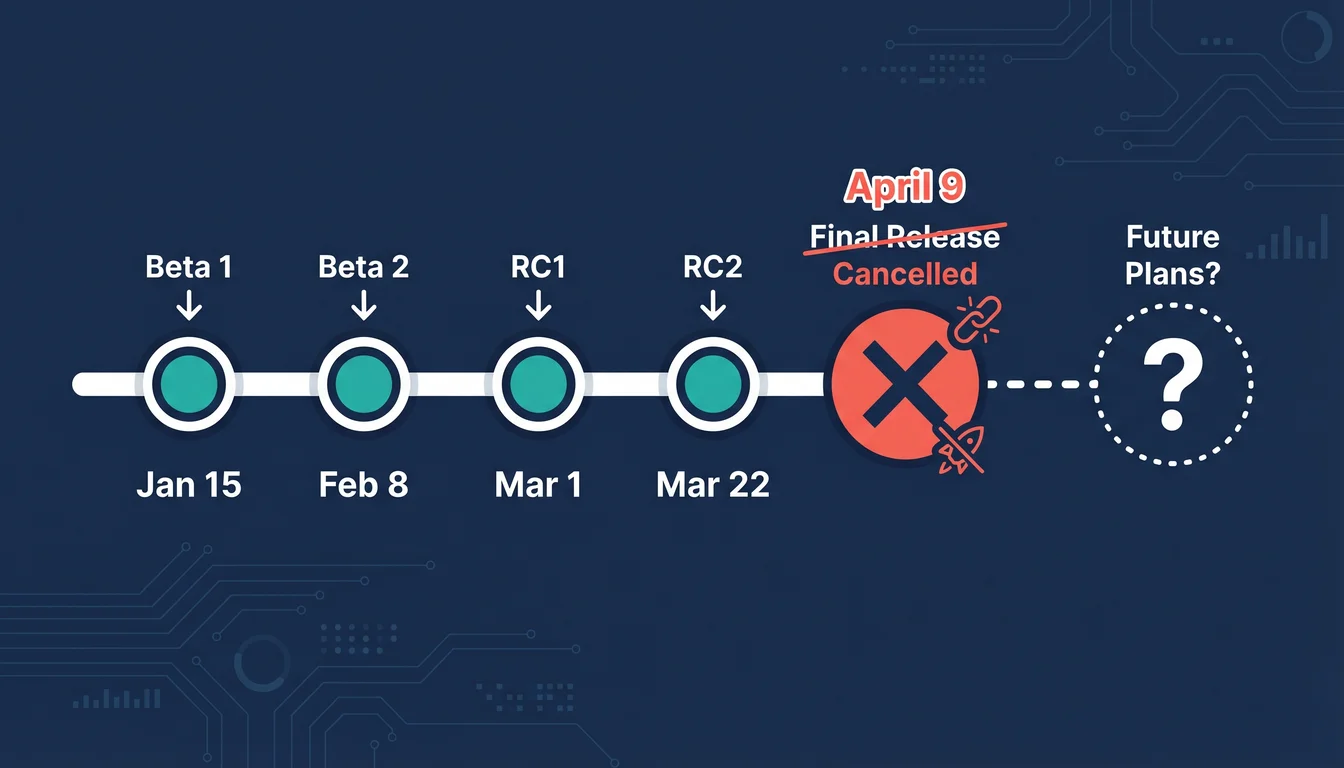
On 31 March, WordPress lead architect Matias Ventura announced the cycle extension on Make WordPress Core. The reason? The database architecture underpinning real-time collaboration isn't finished. The core team promised a revised release schedule by 22 April (see the update note above for what landed).
This isn't a bug fix delay. It's an architectural rethink of how WordPress stores data when multiple people edit the same post at the same time.
What Happened
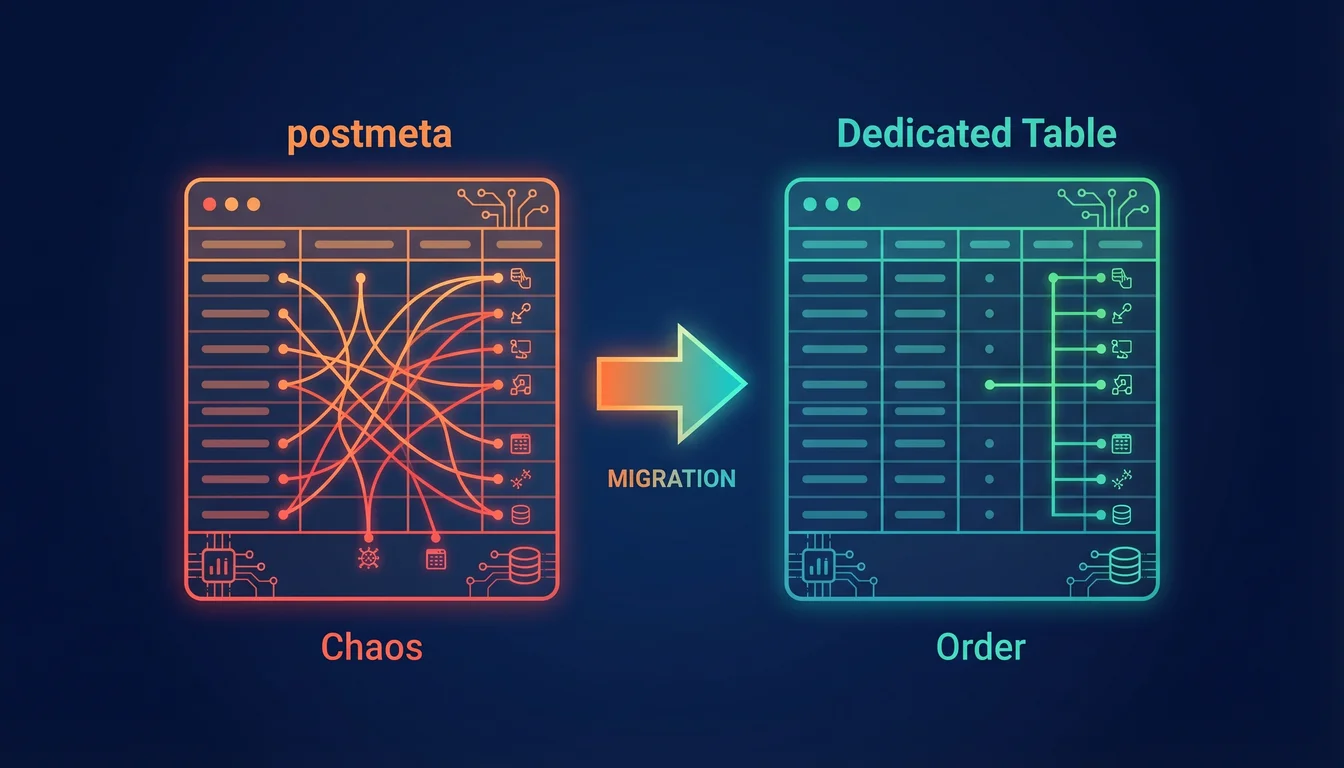
The team originally planned to store collaborative editing data in the postmeta table, using WordPress transients for user presence information (cursor positions, who's online). It worked. WordPress.com tested it at scale with polling intervals of four seconds when idle and one second during active collaboration.
Then Matt Mullenweg weighed in. He wanted a dedicated custom database table instead, arguing that getting the data storage right from day one was worth the delay. As he put it: "for this milestone release we want to target extreme stability and exciting updates, especially as AI-accelerated development is increasing people's expectations for software."
Ventura backed the decision. "The extra time will help ensure we can process all the feedback given so far and ensure the design can stand the test of time," he wrote in the official announcement.
The core question is harder than it looks. Real-time collaboration generates high-frequency, bursty database writes. Think chat app, not blog post. Every cursor movement, every keystroke from every collaborator hits the database. That's a completely different workload to anything WordPress has handled before.
What This Means for Your Hosting
The good news first: real-time collaboration ships as opt-in, disabled by default. If you run a one-person blog or a brochure site, nothing changes for you on day one. The feature uses HTTP polling rather than WebSockets, which means it works on standard WordPress hosting without special server configuration.
But if you do turn it on, here's what your server faces. HTTP polling at one-second intervals means each collaborator triggers a database read/write cycle every second. Two editors on the same post? That's 120 additional database operations per minute on top of normal WordPress activity. The core team found that the initial postmeta approach created cache invalidation headaches, because WordPress's object cache aggressively caches post metadata. Every collaboration write was blowing the cache for the entire post.
A dedicated table solves that by isolating the high-frequency collaboration data from the regular post cache. It's the right call architecturally, even if it costs a few weeks.
If you manage multiple WordPress sites for clients, the delay actually works in your favour. We covered the real per-site cost of agency hosting recently, and adding real-time collaboration infrastructure to that equation would have complicated Q2 planning considerably. Now you have until at least late April to prepare.
What to Do Right Now
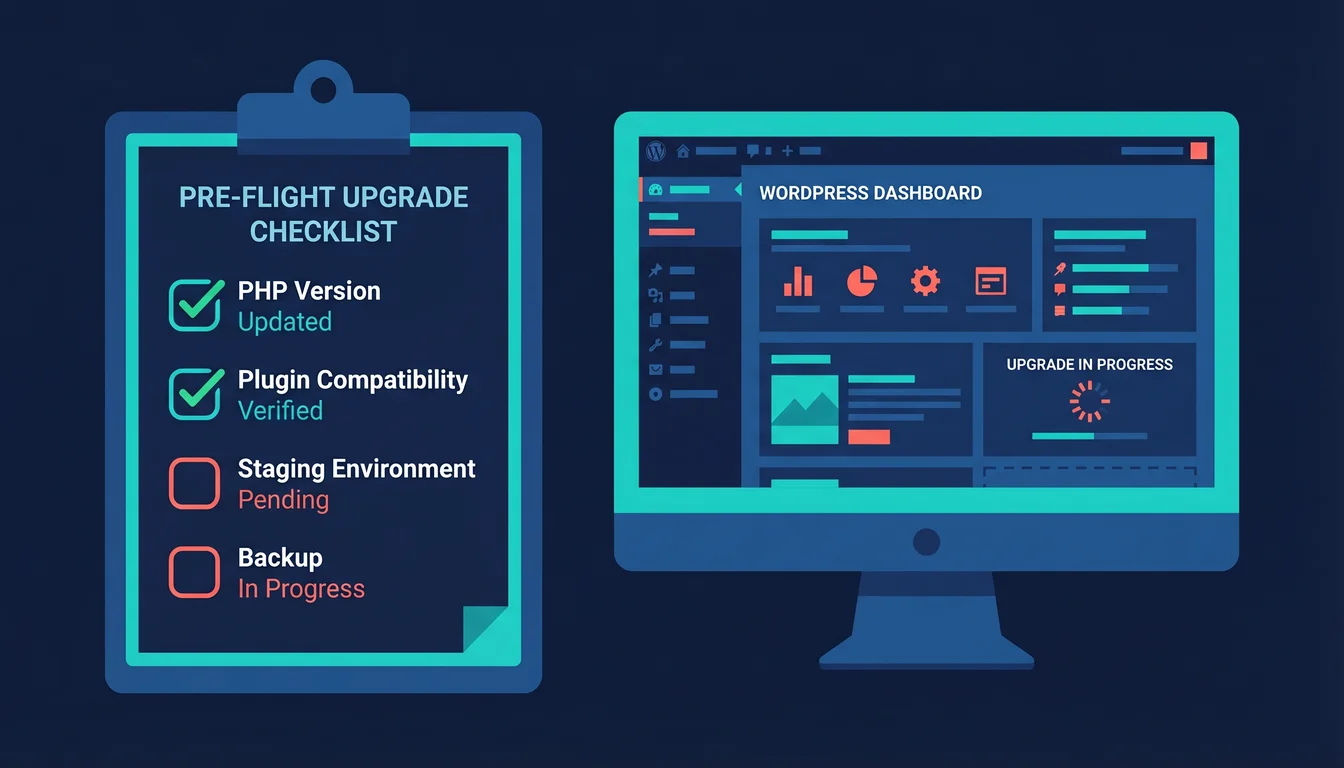
Stay on WordPress 6.9.4. It's the current stable release and it's solid. Don't install release candidates on production sites.
Check your PHP version. WordPress 7.0 drops support for PHP 7.2 and 7.3. The minimum is now PHP 7.4, with 8.3+ recommended. If you're not sure what version you're running, ask your hosting provider or check via your hosting control panel.
Test release candidates on staging. When the revised RC schedule arrives, test your plugins and theme. WordPress 6.9 broke three popular plugins on launch day. History will likely repeat itself, and the real-time collaboration database changes add another variable.
Mark 20 May in the diary. The core team confirmed the revised timeline on 22 April: Host Testing opens 24 April, RC 3 ships 8 May, RC 4 ships 14 May, code freeze lands 19 May, and WordPress 7.0 goes GA on 20 May 2026. If you're running a complex site that relies on 7.0's new capabilities, the two RC windows are where your plugin testing matters most.
Why the Delay Is the Right Call
WordPress doesn't get to redesign its database tables often. The wp_posts and wp_postmeta tables are some of the most widely deployed database structures in the world. Adding a new table to WordPress core is something that happens maybe once a decade. Getting it wrong would mean patching it across millions of installations for years.
We've seen what happens when WordPress ships before it's ready. The 6.9 release broke WooCommerce, Yoast SEO, and Elementor within hours. Three security patches followed in a single 24-hour period. A few extra weeks to get the database architecture right is a trade most site owners would happily take.
The collaboration feature itself is ambitious. It turns WordPress from a single-user editing environment into a real-time multiplayer platform. That kind of shift needs infrastructure to match. As we noted in our Beta 1 coverage, real-time editing and AI agent connectivity are turning WordPress into something closer to a web application framework than a content management system.
Frequently Asked Questions
When will WordPress 7.0 actually launch?
20 May 2026. The core team confirmed the revised schedule on 22 April: Host Testing opens 24 April, RC 3 ships 8 May, RC 4 ships 14 May, and the code freeze lands 19 May before general availability on 20 May.
What caused the WordPress 7.0 delay?
The database storage design for real-time collaboration. The original approach using postmeta caused cache invalidation problems. Matt Mullenweg requested a dedicated custom database table instead, which requires additional design and testing time.
Should I update to WordPress 7.0 on day one when it ships?
Test on staging first. Every major WordPress release triggers a round of plugin compatibility fixes in the first 48 to 72 hours. Wait for your critical plugins to confirm 7.0 support, then update.
Will real-time collaboration slow down my site?
Front-end performance won't be affected. The collaboration feature runs in the admin editor only. It uses HTTP polling at one-second intervals during active editing, which adds database load on the back end. It ships disabled by default, so you control when to turn it on.
Do I need to change my hosting for WordPress 7.0?
Not for the basic update. Real-time collaboration uses HTTP polling, which works on standard shared hosting. If you plan to use collaboration heavily with multiple editors, managed cloud hosting with dedicated database resources will handle the extra write load more comfortably.
What PHP version does WordPress 7.0 require?
PHP 7.4 minimum. Sites on PHP 7.2 or 7.3 won't receive the update and will stay on the 6.9.x branch. PHP 8.2 or higher is recommended for full feature support, including the MCP Adapter for AI agent connectivity.
Is real-time collaboration turned on by default?
No. It ships as opt-in. You enable it in Settings > Writing. The default limit is two simultaneous collaborators per post, though this is configurable. Collaborative editing is also disabled when legacy metaboxes are present on a post.
Is Your Hosting Ready for WordPress 7.0?
365i's WordPress hosting runs PHP 8.3, NVMe storage, and autoscaling cloud infrastructure. When WordPress 7.0 ships, your hosting won't be the bottleneck.
Explore WordPress HostingSources
Published: · Last reviewed: · Written by: Mark McNeece, Founder & Managing Director, 365i
Editorially reviewed by: Mark McNeece on · Our editorial standards