Update (22 April 2026): Five weeks on from the 15 March transition, no major browser-trust incident has been reported. Managed-hosting customers saw no disruption. The businesses that felt it were those with manual EV/OV workflows, many of whom are now running their first shortened renewal cycle. DigiCert's early-enforcement move on 24 February gave its customers a one-month dress rehearsal, which turned out to be the most useful thing any CA did in Q1.
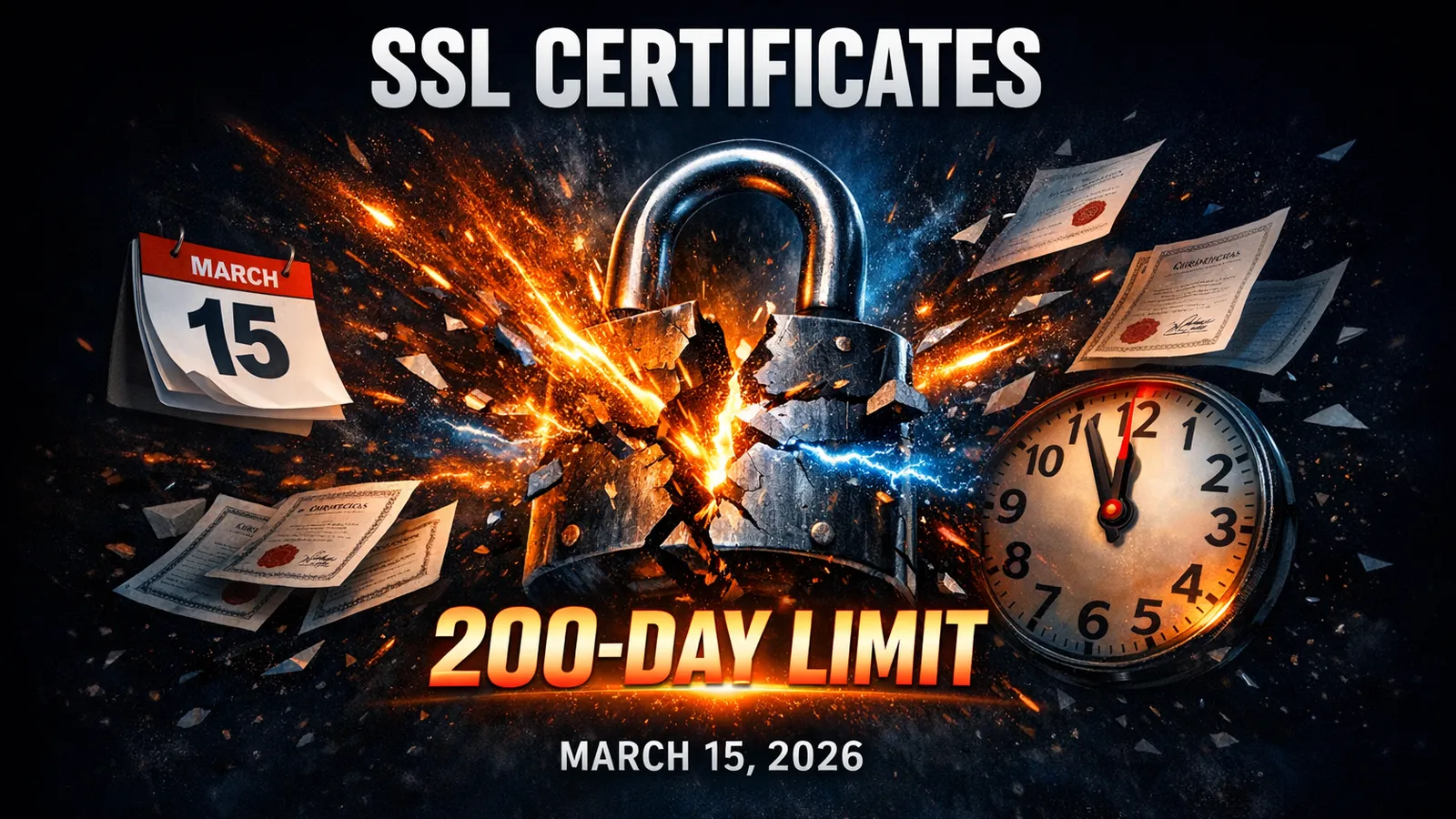
Since 15 March 2026, every publicly trusted SSL/TLS certificate issued anywhere in the world has been capped at 200 days. The CA/Browser Forum's Ballot SC-081v3, passed unanimously by Apple, Google, Mozilla, and Microsoft, mandates the schedule. DigiCert, one of the largest certificate authorities, began enforcing a 199-day limit on 24 February 2026, nearly three weeks ahead of the official deadline.
If you're on managed hosting with auto-provisioned SSL, you can stop reading now. Your hosting provider handles this for you. But if your business buys, installs, or manages its own certificates, you're already inside the new renewal cadence. The next step-down to 100 days lands on 15 March 2027, and the 47-day cap follows in 2029. The runway for manual certificate management is short and getting shorter.
What Is Changing and When

The CA/Browser Forum sets the rules that all certificate authorities and browser vendors follow. Ballot SC-081v3, proposed by Apple's Clint Wilson and endorsed by Google Chrome, Mozilla, and Sectigo, passed in April 2025 with 25 votes in favour and zero against from CAs, plus unanimous browser support.
The reduction follows a strict timetable:
| Effective Date | Max Certificate Validity | Max Domain Validation Reuse |
|---|---|---|
| Before 15 March 2026 | 398 days | 398 days |
| 15 March 2026 | 200 days | 200 days |
| 15 March 2027 | 100 days | 100 days |
| 15 March 2029 | 47 days | 10 days |
Domain Control Validation (DCV) reuse periods are dropping on the same schedule. That means businesses can't just validate their domain once and coast for a year any more. By 2029, you'll need to re-prove domain ownership every 10 days if you want uninterrupted certificate coverage.
DigiCert isn't waiting for the deadline. As confirmed in their official knowledge base article, all public TLS certificates issued from 24 February 2026 are capped at 199 days. Existing certificates remain unaffected until they expire, but any reissue or renewal is bound to the new maximum.
Why Shorter Certificates
The argument from browser vendors is security, and it's hard to disagree with the logic. Shorter certificate lifetimes reduce the window during which a compromised or misissued certificate can be exploited. If a certificate's private key is stolen today, the damage is limited to months rather than years. And with 54% of ransomware now traced back to stolen credentials, anything that shrinks the attack surface is worth doing.
There's a practical side too. Shorter validity forces organisations to automate renewal. Manual processes that worked when you renewed once a year break down when that cycle doubles, then quadruples, then hits every 47 days. Automation isn't optional when you're managing certificates that expire eight times a year.
Tim Callan, Chief Compliance Officer at Sectigo, put it bluntly at a 2025 industry summit: the move to shorter lifespans is "forcing the industry toward certificate lifecycle automation, which is ultimately better for security."
Who Actually Needs to Worry (and Who Doesn't)

Most coverage of this change reads like a warning siren. But for the majority of UK small businesses, the honest answer is: you probably don't need to do anything at all.
You're fine if:
- Your WordPress hosting or web hosting provider includes free SSL that renews automatically. Most managed hosting platforms, including 365i, auto-provision and auto-renew SSL certificates. You never see an expiry date because the system handles it before it becomes relevant.
- You use Let's Encrypt certificates with ACME auto-renewal. Let's Encrypt has been issuing 90-day certificates since 2015 and is moving to 45-day certificates by May 2026. If your server runs Certbot or a similar ACME client, you're already ahead of the new requirements.
- Your hosting provider manages SSL as part of the package. Check your hosting dashboard. If there's no manual certificate upload step in your workflow, your provider is handling it.
You need to act if:
- You buy commercial certificates from providers like DigiCert, Sectigo, or GlobalSign and install them manually on your server.
- You use Extended Validation (EV) or Organisation Validated (OV) certificates that require manual identity verification and can't be auto-renewed through ACME.
- You manage your own VPS, dedicated server, or cloud instance where SSL is your responsibility.
- Your organisation has multiple domains with certificates from different CAs, each with its own renewal process.
- You work in a regulated industry (finance, healthcare, legal) where EV certificates are required by compliance policy.
What Happens When a Certificate Expires

This isn't theoretical. A Keyfactor study found that 86% of organisations experienced at least one certificate-related outage in the past year. CSC's research puts 40% of enterprises at risk of SSL outages under current practices, and that's with the existing 398-day window.
When a certificate expires, every major browser displays a full-page warning: "Your connection is not private." There's no dismissing it quietly. Chrome, Firefox, and Safari all make the visitor actively click through a warning before they can reach your site. Most people don't bother. They leave.
For e-commerce sites, the impact is immediate. No SSL means no checkout. Payment processors won't process transactions over an unencrypted connection. Your Google rankings drop because HTTPS is a confirmed ranking signal. And if your site collects any personal data, an expired certificate could put you on the wrong side of UK GDPR requirements.
With renewal cycles doubling and then quadrupling, the opportunities for a missed renewal multiply. An organisation managing 50 certificates under the current annual model will need to handle roughly 100 renewals per year at 200 days, 200 renewals at 100 days, and 400 renewals at 47 days.
What UK Businesses Should Do Now
Step 1: Check your current certificate setup. Open your site in Chrome, click the padlock icon in the address bar, and view the certificate details. Note the expiry date and the issuing CA. If it says "Let's Encrypt" or your hosting provider's name, you're almost certainly on auto-renewal. If the certificate was issued on or after 15 March 2026, the expiry date should be no more than 200 days out.
You can also use our free HTTPS Inspector to check your SSL setup and identify any issues, or the HTTP Header Inspector to verify your security headers are properly configured.
Step 2: Identify manual certificates. If you bought a certificate from DigiCert, Sectigo, GlobalSign, or another CA and uploaded it to your server yourself, that's a manual certificate. These are the ones already running on the new 200-day cycle. Note the issuer, the new expiry date, and whether you have an ACME-compatible renewal process in place.
Step 3: Talk to your hosting provider. If you're unsure how your SSL is managed, ask. A good hosting provider will tell you exactly how certificates are provisioned and renewed on your account. If the answer is "we handle it automatically," you're done.
Step 4: Automate now, before the 100-day cap lands. If you're still handling renewals manually, this is the cycle to fix it. 200-day renewal is uncomfortable but doable with calendar reminders. 100-day renewal, which starts on 15 March 2027, isn't. Certbot, acme.sh, and Caddy all support automated certificate management. For EV and OV certificates that can't use ACME, look into certificate lifecycle management platforms from providers like Sectigo or Venafi. The certificate world has given businesses roughly eleven months of warning before the next step-down. Don't burn it.
Why Managed Hosting Customers Can Relax

Here's the part that other coverage of this story misses. If you're on a managed hosting platform, you've already solved this problem without realising it.
Managed WordPress hosting and web hosting providers auto-provision SSL certificates as part of the hosting package. There's no manual step. When you add a domain to your account, the platform requests a certificate, configures it, and schedules renewal automatically. Whether the maximum validity is 398 days, 200 days, or 47 days, the process is identical from your perspective: invisible.
365i's hosting platform provisions free SSL certificates on every hosting plan, from entry-level web hosting through to managed cloud servers. The renewal cycle runs in the background. If the CA/Browser Forum shortened validity to 24 hours, you still wouldn't need to lift a finger.
This is the real advantage of managed hosting over DIY setups. When industry-wide changes land, like this certificate validity reduction, the complexity stays with the provider. You don't need to read CA/Browser Forum ballots, configure ACME clients, or set calendar reminders for renewal dates. The infrastructure handles it.
The Road to 47 Days
The March 2026 reduction is just the first step. By March 2027, certificates will be capped at 100 days. By March 2029, the maximum drops to just 47 days. Domain validation reuse shrinks to 10 days.
Let's Encrypt is already moving ahead of the official timeline. In January 2026, they announced plans for optional 45-day certificates from May 2026 and a full switch to 45-day default by February 2028. The direction of travel is clear: shorter certificates, faster renewal, and automation as the default.
For businesses that still manage certificates manually, the runway to automation is shrinking. At 200 days, you can probably muddle through with calendar reminders and manual installs. At 100 days, that gets uncomfortable. At 47 days, it's unworkable without automation.
The smart move is to address this now rather than wait for each successive deadline to force the issue.
Frequently Asked Questions
When does the 200-day SSL certificate limit take effect?
15 March 2026. Any publicly trusted SSL/TLS certificate issued on or after that date must have a maximum validity of 200 days. DigiCert began enforcing a 199-day limit on 24 February 2026, ahead of the official deadline. Certificates issued before these dates remain valid until their original expiry.
Does this affect my existing SSL certificate?
No. Certificates issued before the effective date will continue to work until they expire naturally. The 200-day cap only applies to certificates issued on or after 15 March 2026. However, if you reissue or renew an existing certificate after that date, the new one will be subject to the 200-day maximum.
Do I need to do anything if I'm on managed hosting?
No. Managed hosting providers like 365i auto-provision and auto-renew SSL certificates. The renewal cycle runs automatically in the background regardless of certificate validity periods. You won't notice the change.
Will SSL certificates cost more because of shorter validity?
Free certificates from Let's Encrypt and auto-provisioned certificates from hosting providers won't change in cost. For paid certificates (EV and OV), some CAs may adjust pricing structures, but the per-certificate cost is unlikely to increase. The real cost increase comes from the operational overhead of managing more frequent renewals if you don't automate.
What happens if my SSL certificate expires?
Every major browser displays a full-page "Your connection is not private" warning. Visitors can't reach your site without clicking through a scary warning that most people won't dismiss. E-commerce checkout stops working, Google rankings drop because HTTPS is a ranking signal, and you risk breaching UK GDPR if your site collects personal data over an unencrypted connection.
What is ACME auto-renewal and do I need it?
ACME (Automatic Certificate Management Environment) is the protocol that automates SSL certificate requests, validation, and renewal. Tools like Certbot and acme.sh use it. If you manage your own server, ACME is the simplest way to handle shorter certificate lifetimes without manual intervention. If you're on managed hosting, your provider already uses a similar automated process.
Are EV and OV certificates affected by the 200-day limit?
Yes. The 200-day validity cap applies to all publicly trusted certificates regardless of validation level. EV and OV certificates are harder to automate because they require manual identity verification by the CA. Businesses using these certificate types should talk to their CA about streamlined renewal processes or consider whether DV certificates with auto-renewal meet their actual security requirements.
How do I check when my current SSL certificate expires?
In Chrome, click the padlock icon (or "Not secure" text) in the address bar, then click "Connection is secure" and "Certificate is valid." The expiry date is shown under "Valid to." You can also use 365i's free HTTPS Inspector to check your SSL setup, or the HTTP Header Inspector to verify your security headers.
SSL handled. Security sorted. Hosting that just works.
Every 365i hosting plan includes free auto-provisioned SSL certificates that renew automatically, no matter how often the industry shortens validity periods.
Explore Secure HostingSources
Published: · Last reviewed: · Written by: Mark McNeece, Founder & Managing Director, 365i
Editorially reviewed by: Mark McNeece on · Our editorial standards