FAQ sections do three jobs at once. They answer real questions your visitors have, they create opportunities for rich snippets in Google search results, and they give you a natural place to include relevant keywords without forcing them into your main content.
The catch: most FAQ implementations are either bloated jQuery plugins, unstyled HTML dumps, or pretty accordions that ignore schema markup entirely. You shouldn't have to choose between looking good and ranking well.
Here's how to build a CSS FAQ accordion that handles all three, with schema markup baked in, smooth animations, responsive layout, and zero JavaScript dependencies for the core functionality.
Step 1: Start with the Right HTML Structure
The foundation matters. You need HTML that works as an accessible FAQ even without CSS, and that carries schema markup Google can parse. The <details> and <summary> elements are perfect for this because they provide native expand/collapse behaviour without any JavaScript.
<div class="faq-list">
    <details class="faq-item" id="faq-what-is-schema">
        <summary class="faq-item__question">
            What is FAQ schema markup?
        </summary>
        <div class="faq-item__answer">
            <p>FAQ schema is structured data that tells
            search engines your content contains questions
            and answers. Google can display these as rich
            snippets beneath your search listing.</p>
        </div>
    </details>
</div>
This gives you native browser accordion behaviour for free. No JavaScript needed for the basic open/close interaction. Every modern browser supports <details>/<summary>, and screen readers handle them correctly out of the box.
Step 2: Add the FAQPage Schema
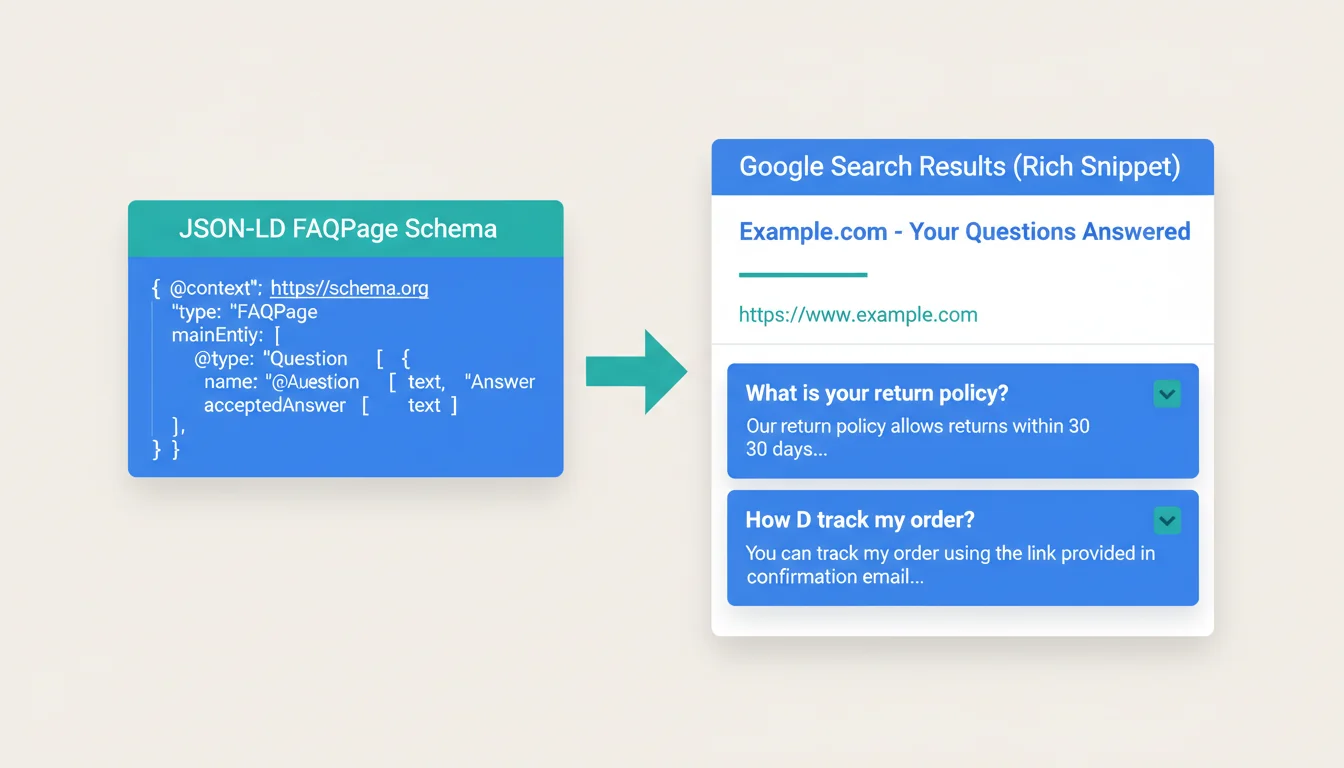
The HTML structure above handles the user experience. For search engines, you need separate JSON-LD schema. Don't try to embed schema directly in the HTML attributes (microdata), because it creates a maintenance headache when you need to update answers. JSON-LD sits in a single script block and is much easier to manage.
<script type="application/ld+json">
{
    "@context": "https://schema.org",
    "@type": "FAQPage",
    "mainEntity": [
        {
            "@type": "Question",
            "name": "What is FAQ schema markup?",
            "url": "https://example.com/page/#faq-what-is-schema",
            "acceptedAnswer": {
                "@type": "Answer",
                "text": "FAQ schema is structured data..."
            }
        }
    ]
}
</script>
Two things to note. Each Question needs a url property that links to its on-page anchor. That means your <details> elements need id attributes that match the fragment in the schema URL. Google uses these to verify the schema matches visible content.
"Structured data gives search engines a better understanding of what your pages are about. When used correctly, it can make your results more prominent and useful to searchers."
John Mueller, Search Advocate at Google, Introduction to Structured Data
Mueller's team has been consistent on this point: schema markup doesn't guarantee rich results, but it's a prerequisite. Without it, your FAQ section is invisible to Google's rich snippet system regardless of how well it's styled. We've seen this play out across hundreds of client sites on our WordPress hosting: properly marked-up FAQs consistently earn more SERP real estate than unmarked ones.
Step 3: Style the Accordion with CSS
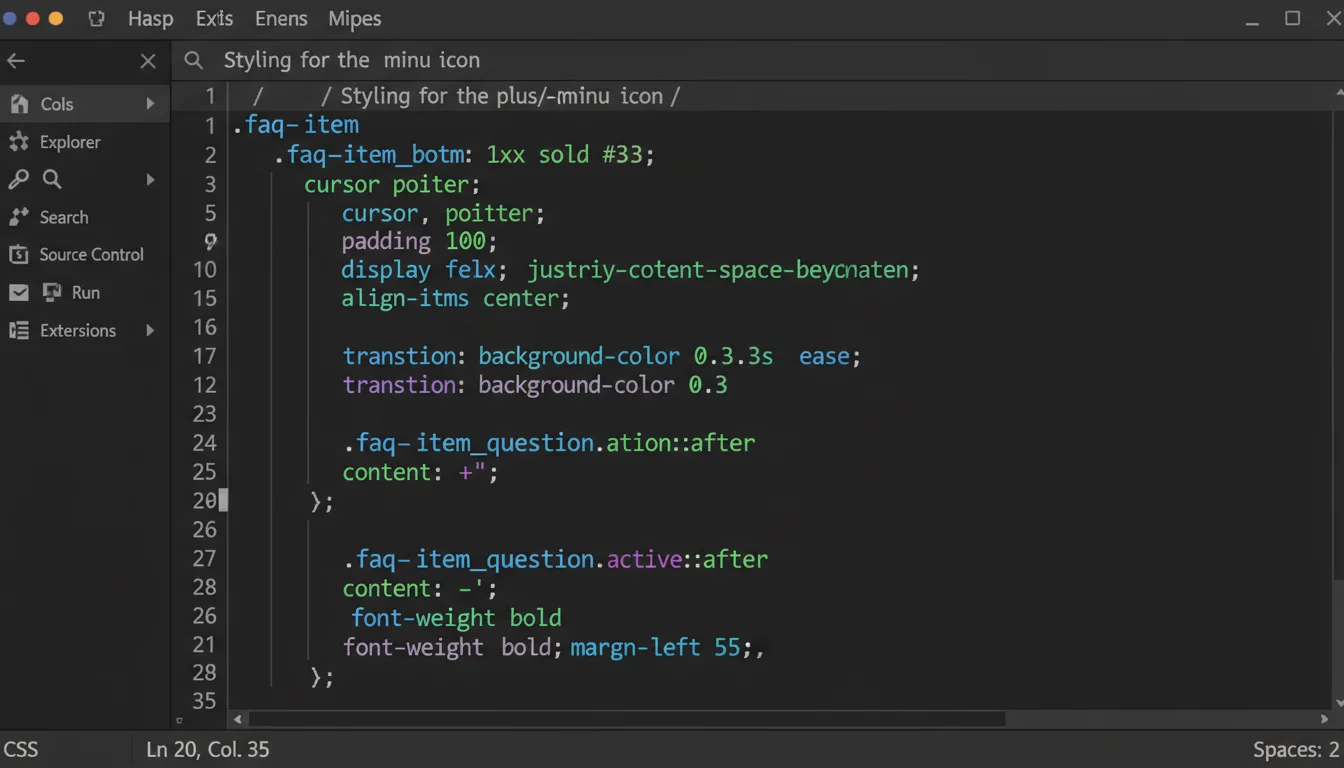
The CSS needs to do three things: make the accordion look professional, animate the open/close transitions smoothly, and add visual indicators (the +/- icons) so users know the items are interactive.
.faq-list {
    max-width: 800px;
    margin: 0 auto;
}

.faq-item {
    border-bottom: 1px solid #e5e7eb;
    margin-bottom: 0;
}

.faq-item__question {
    display: flex;
    align-items: center;
    justify-content: space-between;
    padding: 1.25rem 0;
    font-weight: 600;
    font-size: 1.1rem;
    cursor: pointer;
    list-style: none;
    color: #1a1a2e;
    transition: color 0.2s ease;
}

.faq-item__question:hover {
    color: #0D4F4F;
}

/* Remove default marker */
.faq-item__question::-webkit-details-marker {
    display: none;
}

/* Plus/minus icon */
.faq-item__question::after {
    content: '+';
    font-size: 1.5rem;
    font-weight: 300;
    color: #0D4F4F;
    transition: transform 0.3s ease;
    flex-shrink: 0;
    margin-left: 1rem;
}

.faq-item[open] .faq-item__question::after {
    content: '-';
}

/* Answer area */
.faq-item__answer {
    padding: 0 0 1.25rem;
    color: #4b5563;
    line-height: 1.7;
}

.faq-item__answer p {
    margin: 0 0 0.75rem;
}

.faq-item__answer p:last-child {
    margin-bottom: 0;
}
The ::-webkit-details-marker removal is important. Without it, you get the browser's default triangle arrow alongside your custom +/- icon. The list-style: none handles Firefox.
Step 4: Add Smooth Animation
Native <details> elements don't animate by default. They snap open and closed. For smooth transitions, you need a small amount of CSS that animates the content height.
/* Animate open/close */
.faq-item__answer {
    overflow: hidden;
    max-height: 0;
    opacity: 0;
    transition: max-height 0.3s ease,
                opacity 0.3s ease,
                padding 0.3s ease;
    padding: 0;
}

.faq-item[open] .faq-item__answer {
    max-height: 500px; /* Adjust to content */
    opacity: 1;
    padding: 0 0 1.25rem;
}
The max-height trick isn't perfect. You need to set a value larger than your longest answer. 500px works for most FAQ answers. If you have a particularly long answer with multiple paragraphs, bump it up. The transition only animates up to the content's actual height, so the timing still looks natural.
Step 5: Make It Responsive
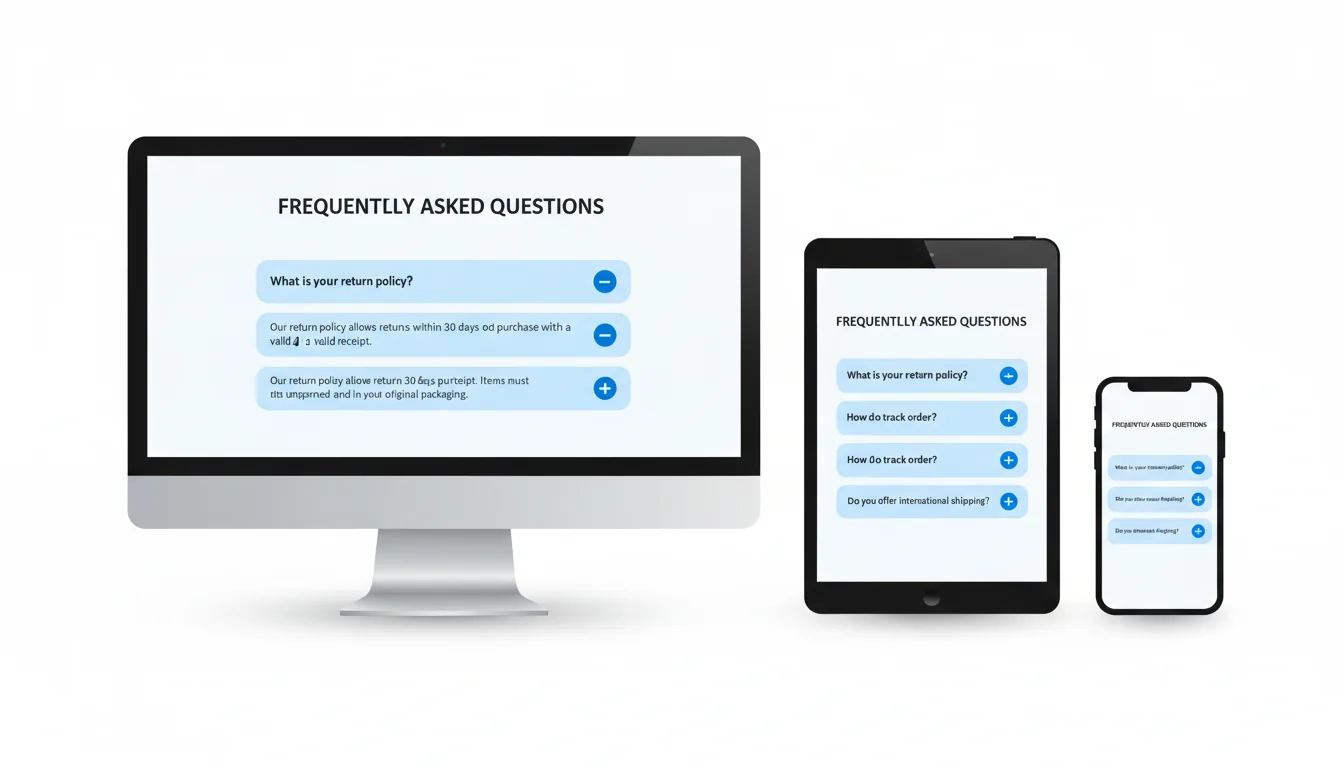
Mobile screens need adjusted spacing and typography. The padding and font sizes that work on desktop feel cramped on phones.
@media (max-width: 768px) {
    .faq-item__question {
        padding: 1rem 0;
        font-size: 1rem;
    }

    .faq-item__answer {
        font-size: 0.95rem;
    }

    .faq-item__question::after {
        font-size: 1.25rem;
    }
}
Test on real devices, not just browser dev tools. The tap target for the summary element needs to be large enough for fingers. The padding on the question row handles this, but verify it feels right on an actual phone.
"The most common mistake with FAQ schema is treating it as an SEO trick rather than a user experience feature. If your FAQ answers real questions your audience has, the SEO benefits follow."
Barry Schwartz, Search Engine Roundtable, Google FAQ Structured Data Guide
Barry's right. I've seen sites add FAQs stuffed with keywords that don't answer anything useful, and they wonder why Google doesn't show rich snippets. The algorithm can tell. Write answers for humans first, then wrap them in schema. The sites where we've seen the best SEO results are the ones where FAQ content genuinely helps visitors. Our free meta tag checker includes a SERP preview so you can see how a page (FAQs included) renders in Google before you publish.
Step 6: Validate Your Schema
Before publishing, run your page through Google's Rich Results Test. It'll tell you whether your FAQPage schema is valid, whether each Question has the required fields, and whether Google can parse the JSON-LD correctly.
Common mistakes that cause validation failures:
- Missing
urlon Question. Each Question needs aurlproperty linking to the on-page anchor. Without it, you'll pass basic validation but miss out on some rich result features. - HTML in the
textfield. The Answer'stextshould be plain text, not HTML. Strip the tags before putting content in the schema. - Schema doesn't match visible content. Google cross-references your schema against what's actually on the page. If the JSON-LD says one thing and the visible HTML says another, you'll lose rich snippets.
- Too many FAQs. Google recommends a "reasonable" number. 6-8 is the sweet spot for most pages. More than 10 and Google may ignore the schema entirely.
Step 7: Monitor and Iterate
Rich snippets aren't instant. After publishing a page with FAQ schema, it can take anywhere from a few days to a few weeks for Google to process the structured data and start showing rich results.
Check Google Search Console's Enhancement report under "FAQ" to see which pages have valid FAQ markup. The report shows any errors, warnings, and how many pages qualify for rich results.
If your FAQs aren't generating rich snippets after a month, revisit the schema validation, check that your page isn't blocked by robots.txt, and ensure the page itself ranks for relevant queries. Schema markup can't create visibility from nothing, but it can amplify visibility you already have.
Why Not Use jQuery?
Some FAQ accordion tutorials still recommend jQuery for the toggle behaviour. In 2025, there's no reason to load a 90KB library for something that native HTML and CSS handle perfectly. The <details>/<summary> pattern works in every modern browser, is accessible by default, and requires zero JavaScript for basic functionality.
If you need enhanced behaviour (like closing other items when one opens), a few lines of vanilla JavaScript handles it cleanly. We use this pattern across our own web hosting pages and it works reliably without any external dependencies.
Bottom Line
A good FAQ accordion combines proper HTML semantics, clean CSS animations, valid schema markup, and responsive design. Get all four right and your FAQ section works for visitors, search engines, and screen readers simultaneously.
Start with the <details>/<summary> HTML, add the JSON-LD schema separately, style with CSS transitions, test on mobile, and validate before publishing. That's the whole process. No frameworks, no plugins, no JavaScript libraries.
Frequently Asked Questions
Should I use JSON-LD or Microdata for FAQ schema?
JSON-LD. Google recommends it, it's easier to maintain (all schema in one script block rather than scattered through HTML attributes), and it doesn't affect your page's visual markup.
How many FAQs should I include per page?
6-8 is the practical sweet spot. Google can handle more, but beyond 10 you risk the schema being ignored. Focus on quality questions people actually search for rather than quantity.
Do all browsers support the details/summary elements?
Yes. All modern browsers including Chrome, Firefox, Safari, and Edge support details/summary natively. IE11 doesn't, but IE11 usage is effectively zero in 2025.
How long until Google shows my FAQ rich snippets?
Typically a few days to a few weeks after Google re-crawls your page. Rich snippets are not guaranteed for every page with valid schema. Google decides based on page quality, relevance, and search context.
Can I animate the details element natively?
Not directly. The open/close transition requires a CSS max-height workaround or a small JavaScript enhancement. The max-height transition approach shown in this guide works without any JavaScript.
Does FAQ schema actually improve SEO rankings?
FAQ schema doesn't directly affect rankings, but rich snippets increase your listing's visual size in search results, which typically improves click-through rates. Higher CTR can indirectly improve rankings over time.
Can I add FAQ schema to a WordPress site?
Yes. You can add JSON-LD manually in a custom HTML block, use a plugin like Rank Math or Yoast that generates FAQ schema from Gutenberg blocks, or add it via your theme's functions.php file.
Need Fast, Reliable Hosting for Your Website?
Our web hosting platform delivers the speed and uptime your FAQ-rich pages need to earn those rich snippets. Expert support included.
View Hosting PlansPublished: · Last reviewed: · Written by: Mark McNeece, Founder & Managing Director, 365i
Editorially reviewed by: Mark McNeece on · Our editorial standards