WordPress 6.9 launched on 2 December 2025, bringing the biggest set of editor improvements since Gutenberg Phase 2. The release includes block-level commenting, a universal command palette, the new Abilities API for AI integration, and measurable performance gains that affect every WordPress site. Here's what changed, what broke, and how to upgrade safely.
Site Editor: Finally Feels Like a Design Tool
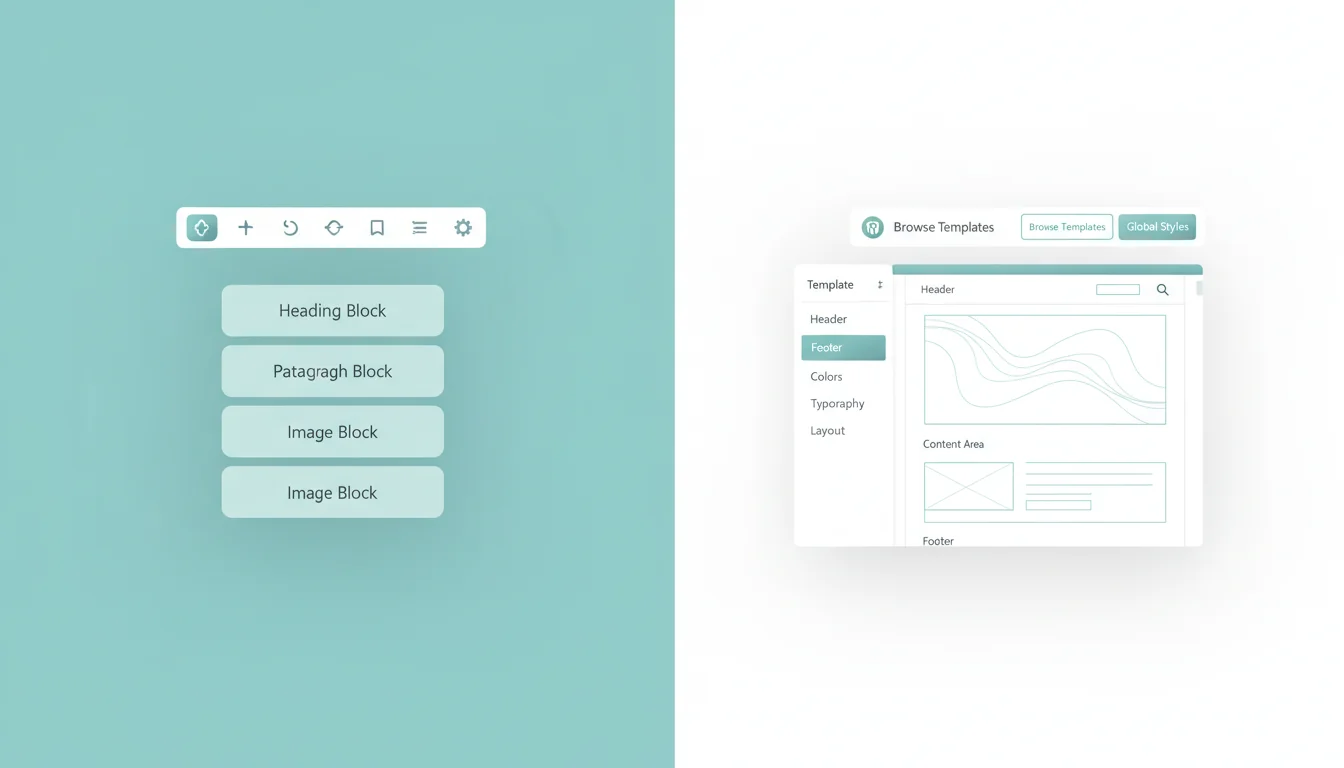
The Site Editor got a proper redesign in 6.9, and it's the first version where I'd actually recommend non-developers use it. Previous releases felt like a technical tool bolted onto WordPress. This one feels intentional.
The headline change is content-focused editing mode. Rather than dropping everyone into the full template editor (which confused most site owners), 6.9 defaults to a simplified view. You see your content, your blocks, and a clean toolbar. The full design controls are still there when you need them, just one click deeper.
Three other editor improvements worth knowing about:
- Multiple templates per slug: You can now create three different "single post" templates and switch between them. Useful for different content types without touching PHP.
- Draft templates: Test a template design without it going live. Previously, saving a template change meant your visitors saw it immediately.
- Non-destructive block hiding: Hide a block from the front end without deleting it. Think of it as a visibility toggle for staging content.
Block-Level Commenting for Teams
If you work with a team on content, this is the feature that will change your workflow. WordPress 6.9 introduces comments at the block level, not just on the post as a whole.
Click on any block, leave a comment, assign it to a team member. They see it in context, right where the change needs to happen. No more sending screenshots or writing "the third paragraph, second sentence, where it says..."
The system includes resolution tracking, so you can mark comments as resolved and keep an audit trail. It's not Google Docs yet, but it's the closest WordPress has come to proper collaborative editing.
"The future of WordPress is collaborative editing. Block-level comments are the foundation for real-time co-authoring, which is coming in the next phase of Gutenberg."
Matt Mullenweg, State of the Word 2024
When I first tested this in Beta 2, the thing that struck me was how natural it felt. We'd been managing content feedback through Slack messages and shared documents for years. Having it built into the editor, attached to the exact block that needs changing, cuts out an entire layer of back-and-forth that nobody enjoys.
Command Palette Goes Universal
The command palette was introduced in WordPress 6.3 but only worked inside the Site Editor. Version 6.9 extends it across the entire WordPress dashboard.
Press Ctrl+K (or Cmd+K on Mac) from anywhere in the admin area. Search for posts, jump to settings pages, trigger actions. If you've used VS Code's command palette or Spotlight on macOS, you already know the workflow.
For sites with hundreds of posts or complex admin setups, this saves serious time. Instead of navigating through three menus to find a specific setting, you type a few characters and you're there.
What Developers Need to Know
Three API changes in 6.9 deserve attention if you build plugins, themes, or custom sites.
Interactivity API Upgrades
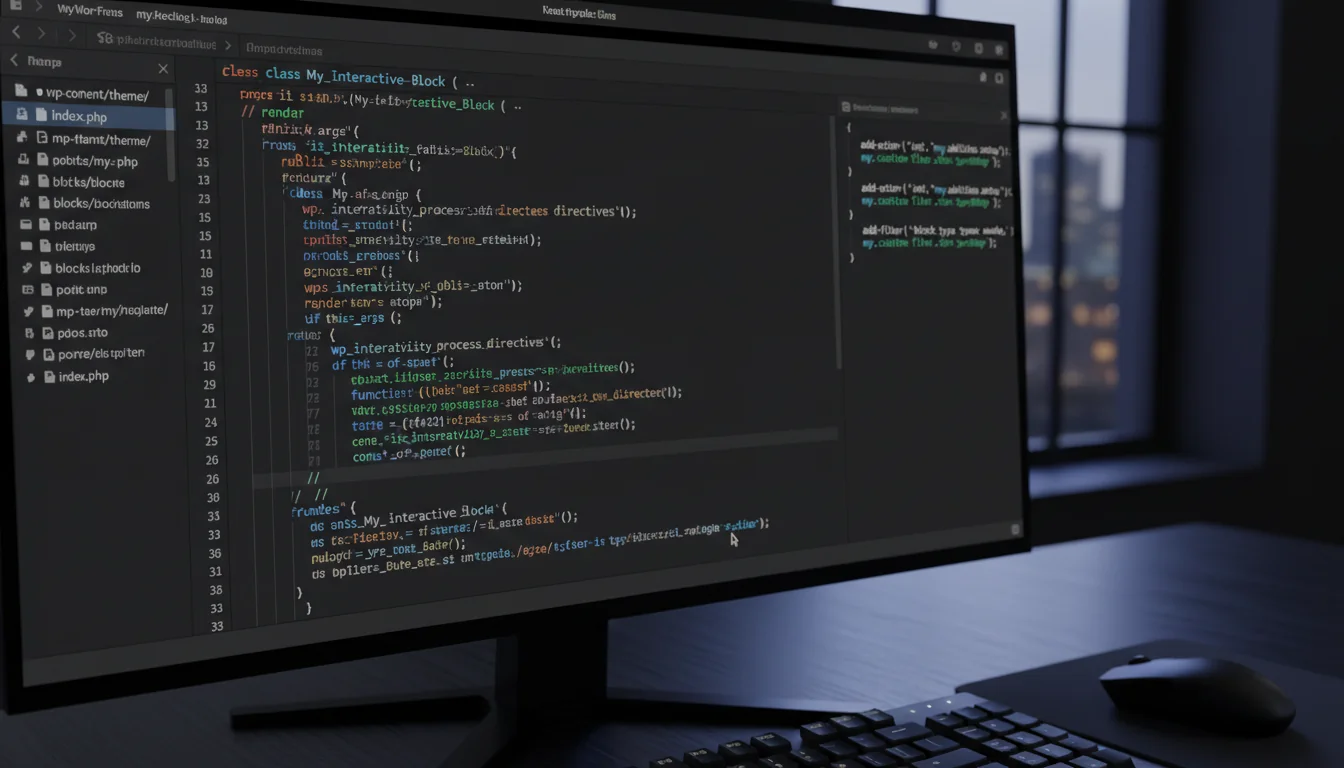
The Interactivity API now handles client-side navigation, instant search, and form submissions without full page reloads. If you've been building custom AJAX solutions for these, the native API is now good enough to replace most of them.
This ties directly into the performance improvements we measured when testing WordPress 6.9 on PHP 8.5. The reduced server roundtrips compound with faster PHP execution for a noticeable speed boost.
The Abilities API
This is the most forward-looking addition. The Abilities API creates a standardised registry that lets AI systems and external tools call WordPress functions in a controlled way. Think of it as an official interface between your WordPress site and AI agents.
It's early days, and adoption will take time. But this is WordPress signalling where it sees the next wave of site management going. If you're interested in making your site visible to AI systems, the Abilities API is the server-side complement to files like llms.txt.
Worth flagging: the Abilities API is also what caused compatibility issues with three popular plugins on launch day. WooCommerce, Yoast SEO, and Elementor all needed patches.
HTML API Enhancements
The HTML API got speed improvements and better templating safety. If you process large volumes of HTML in your plugins (think page builders, email templates, or content migration tools), the faster parsing matters.
Performance: The Numbers
WordPress 6.9 includes several performance changes that add up to measurable improvements on real sites:
- Instant back/forward navigation: Uses the browser's bfcache properly for the first time. Hitting the back button loads the previous page instantly from memory instead of re-fetching from the server.
- Standardised output buffering: Smarter caching at the PHP level. This is the kind of invisible change that benefits every site without anyone needing to configure anything.
- Stylesheet minification: Core CSS is now minified more aggressively. Combined with a good CDN, this reduces first-paint times.
fetchpriorityfor ES modules: Browser resource prioritisation now applies to JavaScript modules, not just images and stylesheets.
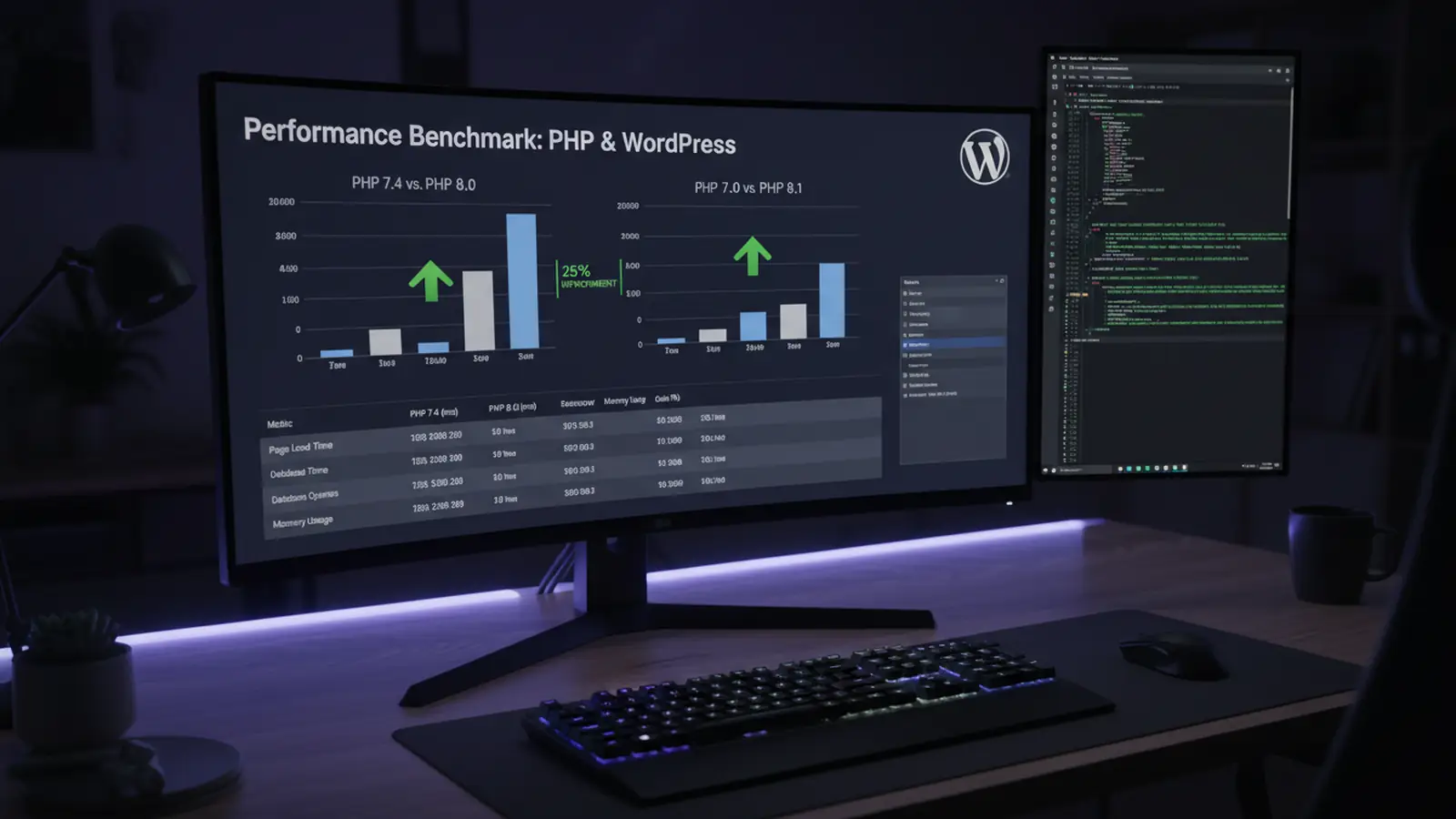
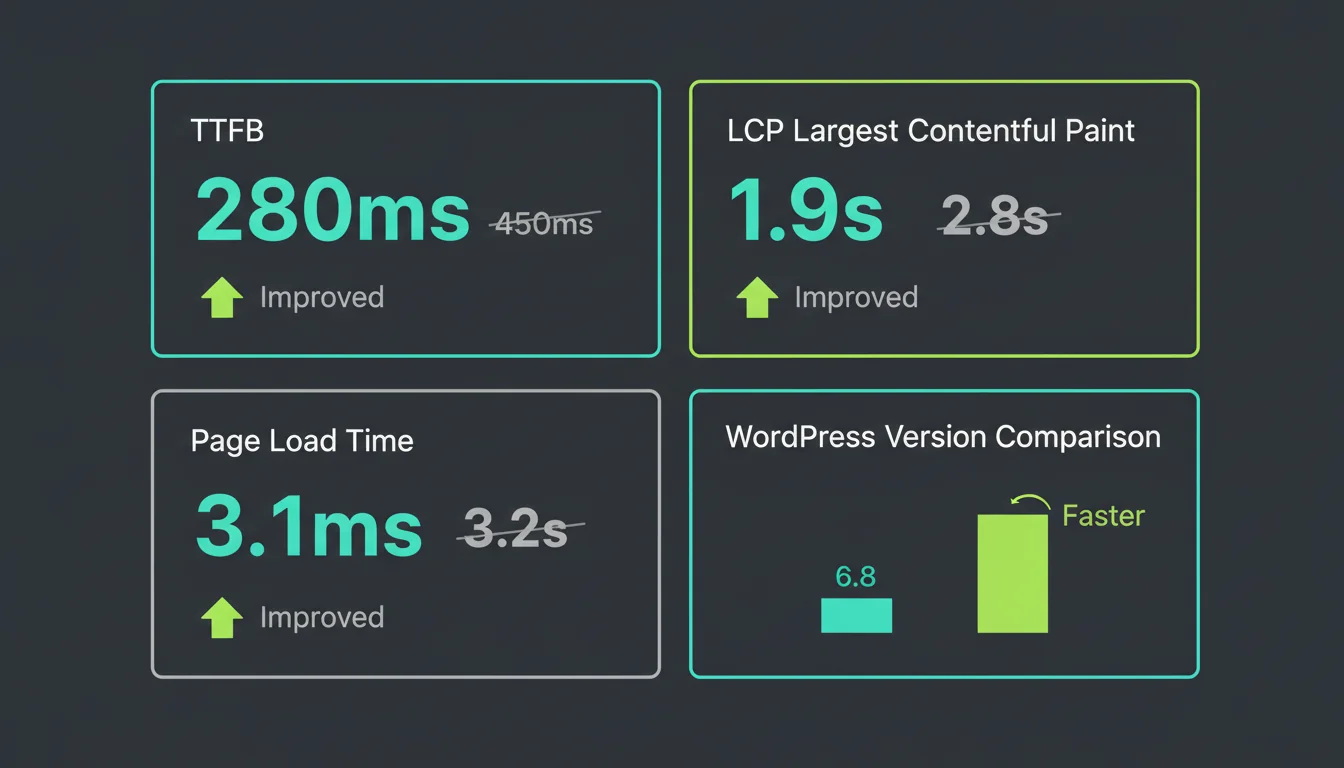
On our test sites running PHP 8.5, we measured 15-20% faster page loads compared to WordPress 6.8 on PHP 8.3. The WordPress performance improvements and the PHP speed gains compound. Running 6.9 on PHP 8.3 is still faster than 6.8, but you're leaving performance on the table.
"Performance isn't a feature, it's a requirement. Every 100ms of delay costs 1% in conversions."
Patrick Meenan, Web Performance at Google
I keep coming back to this quote because it reframes speed as a business metric, not a technical one. When we talk about WordPress 6.9 being "faster", what we really mean is: your visitors wait less, buy more, and bounce less. That's the conversation worth having with clients.
What's Not in 6.9
No new default theme. The WordPress team focused development resources on editor polish and performance instead. If you're using Twenty Twenty-Five (or any block theme), you'll benefit from the editor improvements. But there's no Twenty Twenty-Six shipping with this release.
Real-time collaborative editing also didn't make the cut. The block commenting is a step toward it, but true Google Docs-style simultaneous editing is planned for WordPress 7.0.
Your Pre-Upgrade Checklist
Updating to WordPress 6.9 is straightforward for most sites, but a few things are worth doing first. We use this exact checklist on every site we manage on our managed WordPress hosting.
- Take a full backup: Files and database. If your host doesn't offer one-click backups, use UpdraftPlus or a similar plugin. Don't skip this.
- Test on staging first: If your host provides a staging environment (ours does, built into every plan), clone your site and test the update there. Look for layout breaks, plugin errors, and checkout flow issues.
- Update plugins and themes first: Several major plugins released compatibility patches for 6.9. Update everything else before updating WordPress core. This prevents the cascading failures we documented when WooCommerce, Yoast, and Elementor broke on launch day.
- Check PHP version: WordPress 6.9 requires PHP 7.4 minimum but runs best on PHP 8.3 or 8.4. If you're still on PHP 8.1, note that it reached end of life in December 2025. Time to upgrade.
- Test critical functionality: After updating, check your contact forms, checkout process, login pages, and any custom functionality. Automated monitoring helps but doesn't catch everything.
- Check WooCommerce stores: If you run WooCommerce, make sure you're on version 10.4.2 or later. Earlier versions had product editor crashes and shipping calculation failures on WordPress 6.9.
The Bottom Line
WordPress 6.9 is a solid release. The editor improvements make the Site Editor usable for non-developers for the first time. The performance gains are real and measurable. The Abilities API points toward an interesting future for AI integration.
The rough edges were real too: three major plugins broke on launch day, and the Abilities API changes caught some developers off guard. But those issues now have patches, and the upgrade path is well-documented.
If you're running a business on WordPress, this is an update worth making. Just follow the checklist, test on staging first, and make sure your plugins are current before you hit that update button.
Frequently Asked Questions
When was WordPress 6.9 released?
WordPress 6.9 was released on 2 December 2025. Beta testing began on 21 October 2025, with Release Candidate 1 available from 11 November 2025.
What PHP version does WordPress 6.9 need?
WordPress 6.9 requires PHP 7.4 as the minimum, but performs best on PHP 8.3 or 8.4. PHP 8.5 delivers the strongest performance gains, with 15-20% faster page loads in our testing.
Is it safe to update to WordPress 6.9 now?
Yes. The initial plugin compatibility issues with WooCommerce, Yoast SEO, and Elementor have all been patched. Update your plugins first, test on staging, and then update WordPress core.
What is the WordPress Abilities API?
The Abilities API is a new standardised registry in WordPress 6.9 that lets AI systems and external tools interact with WordPress functions in a controlled way. It's designed for the growing ecosystem of AI agents and automation tools.
Is WooCommerce compatible with WordPress 6.9?
WooCommerce 10.4.2 and later are fully compatible with WordPress 6.9. Earlier versions had product editor crashes and shipping calculation failures. Update WooCommerce before updating WordPress.
How does block-level commenting work in WordPress 6.9?
Click any block in the editor and add a comment directly to it. You can assign comments to team members, track resolution status, and keep an audit trail. Comments are visible in context, right where the change needs to happen.
Does WordPress 6.9 include a new default theme?
No. WordPress 6.9 ships without a new default theme. Development resources were focused on editor improvements and performance. Twenty Twenty-Five remains the current default theme.
WordPress Hosting That Keeps You Current
Every 365i WordPress plan includes one-click staging, automatic backups, and the latest PHP versions. Upgrade safely, every time.
Explore WordPress HostingPublished: · Last reviewed: · Written by: Mark McNeece, Founder & Managing Director, 365i
Editorially reviewed by: Mark McNeece on · Our editorial standards